106
USING ADOBE AUDITION
Mixing multitrack sessions
Last updated 2/16/2012
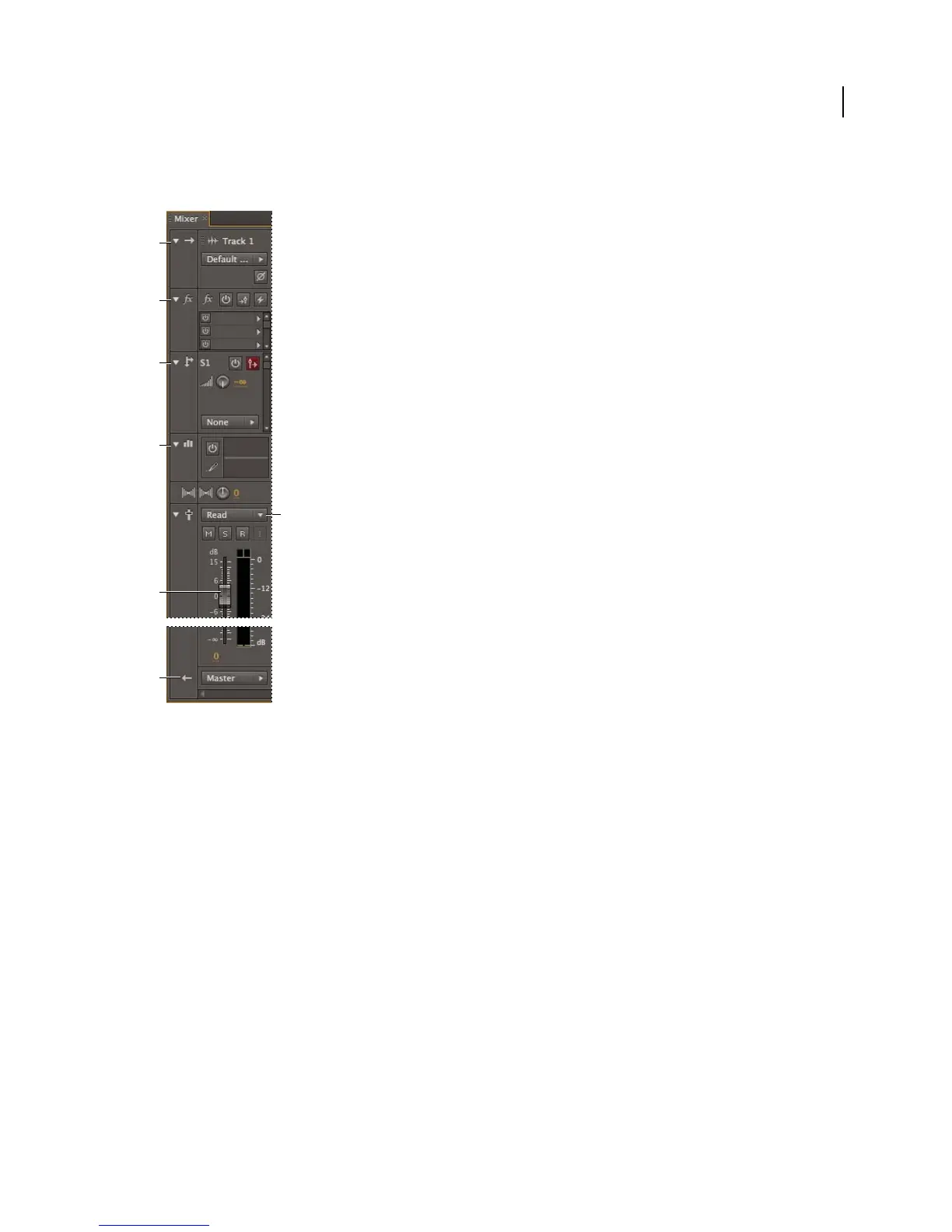
The Mixer (Window > Mixer) provides an alternative view of a session, revealing many more tracks and controls
simultaneously, without showing clips. The Mixer is ideal for mixing large sessions with many tracks.
Controls in the Mixer:
A. Inputs B. Effects C. Sends D. Equalization E. Volume F. Outputs
More Help topics
“Add or delete tracks” on page 108
“Arranging and editing multitrack clips” on page 116
“Automating mixes with envelopes” on page 123
A
B
C
D
G
F
E



 To Next Page