12
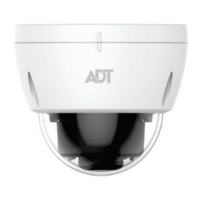
6. Identify the camera’s PIN number, which is located on the label on
the removable protective film covering the dome bubble.
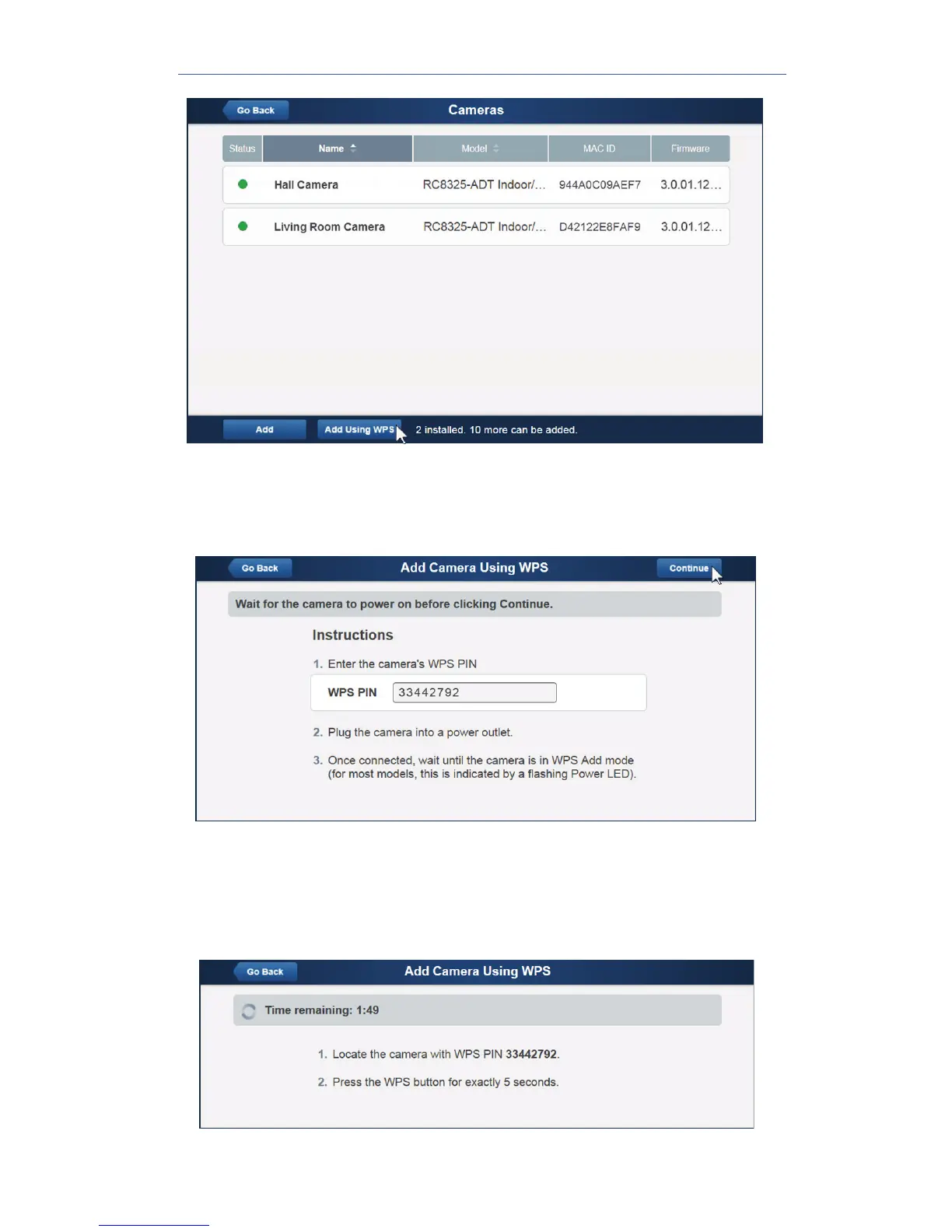
7. Enter the PIN number in the WPS PIN field.
8. Ensure that the camera is powered on and that the Status LED is
flashing green.
9. Click the Continue button to initiate the WPS process.
The following screen appears.


 To Next Page