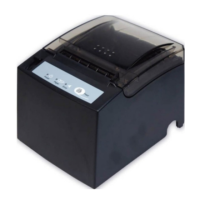
WP-T800 1 Station Thermal Line Printer
- 9 -
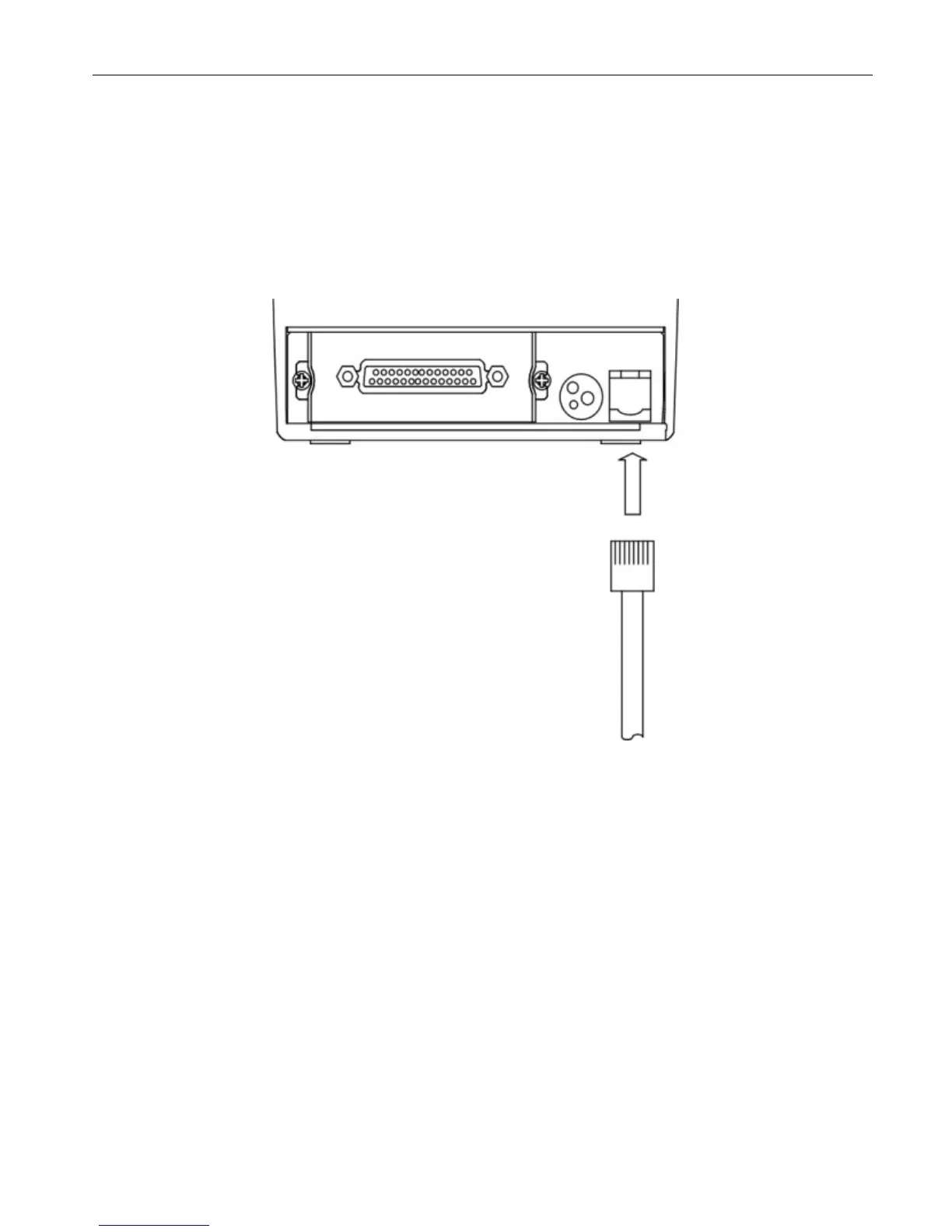
4.2 How to Connect Cash Drawer
(1) Ensure that the power switch is OFF.
(2) Plug the cash drawer connector into the Drawer kick out connector at the arrow
mark facing upward.
(3) Plug the connector into the RJ11 phone jack.
Note: Power for drawer kick out is 24vdc, if voltage of cash drawer is different, it
may cause cannot open situation or harm the cash drawer.


 To Next Page