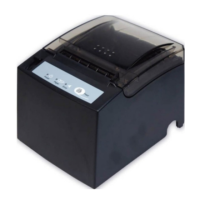
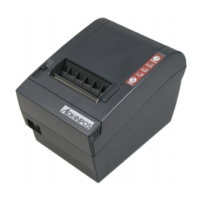
WP-T800 1 Station Thermal Line Printer
- 8 -
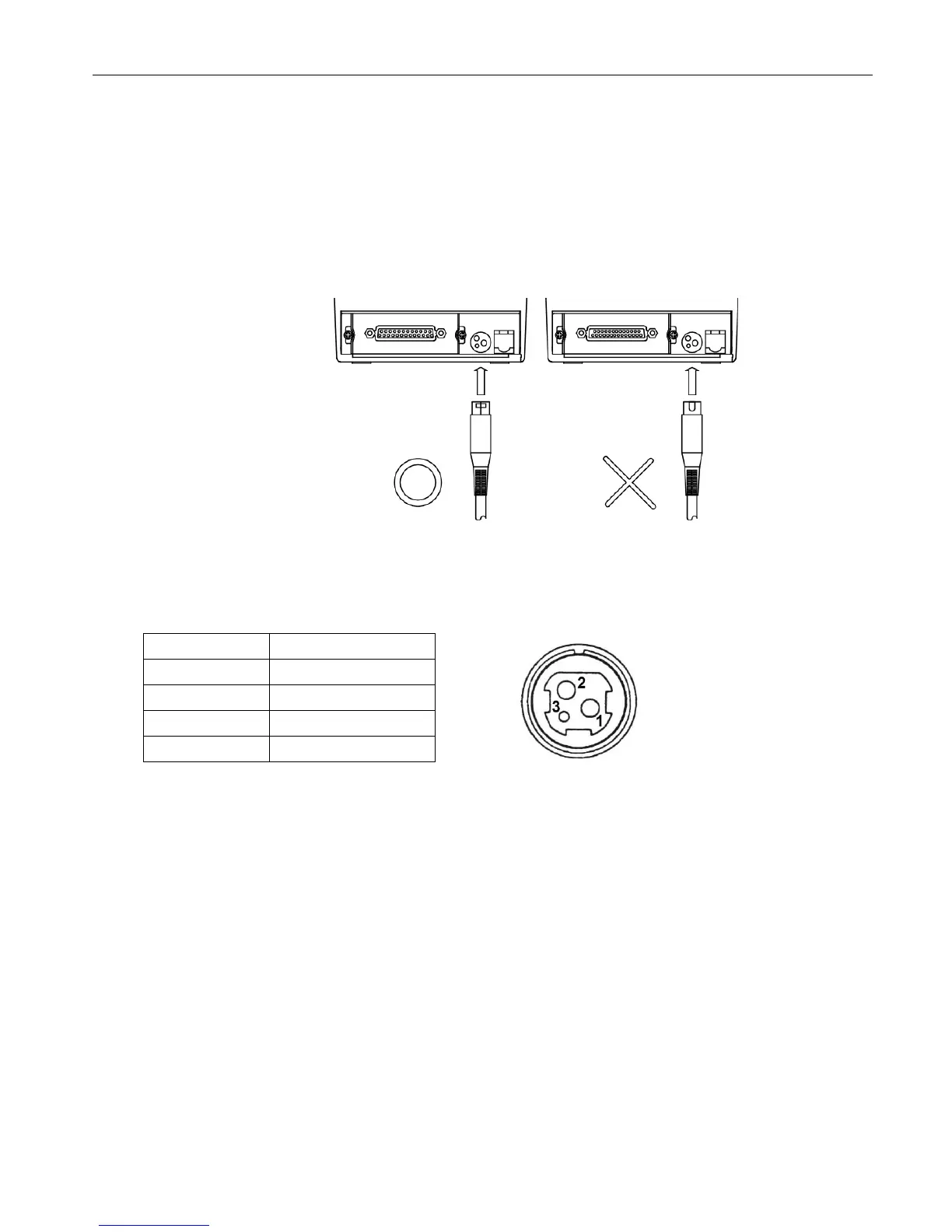
4. INSTALLATIONS
4.1 How to Connect Power Adapter
(1) Ensure that the power switch is OFF.
(2) Plug the power connector into the printer’s power connector at the arrow mark
facing upward.
(3) Plug the power cord into the outlet, and turn on the power.
(4) Connector Specifications shows as below:
Pin Number Signal Name
1 +24VDC
2 GND
3 NC
Shell Frame GND


 To Next Page