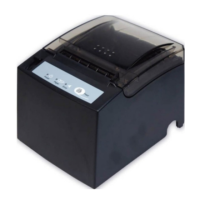
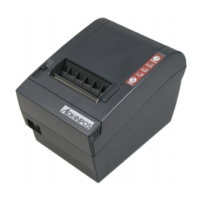
WP-T800 1 Station Thermal Line Printer
- 12 -
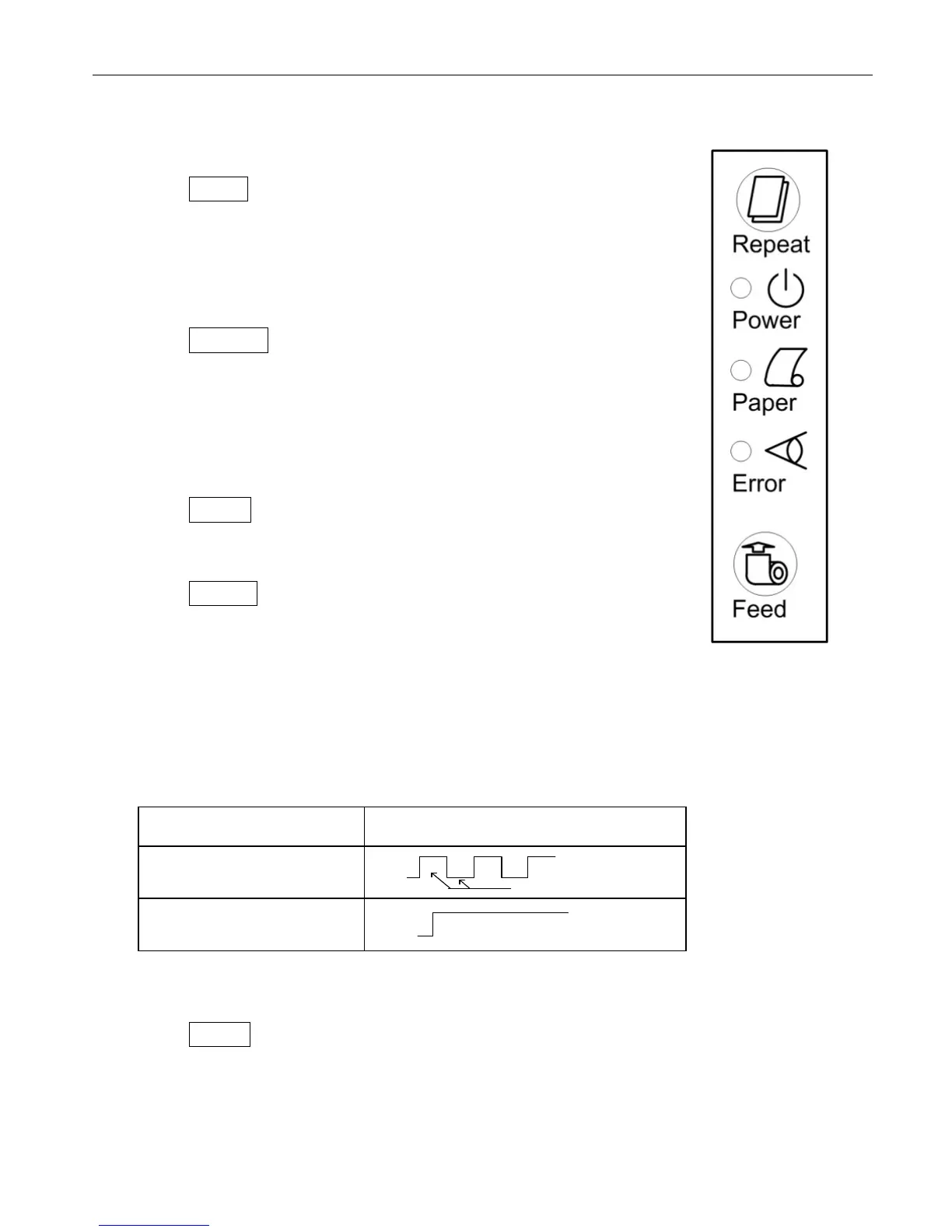
5. CONTROL PANEL
5.1 Basic Operation
(1) Feed Line feed button
When this push-button switch is pressed once briefly
(for 0.5 seconds or less), the paper is fed forward by
one line. When it is held down continuously, the paper
is fed forward continuously until the switch is released.
(2) Repeat Repeat button
When on page mode or line mode situation, there
maybe paper jam or paper exhaust situation , please
press repeat button, then printer will repeat the last
event which was not complete.
(3) Power lamp (green LED)
Lights indicate power well
(4) Paper lamp (Yellow LED)
z Lamp indicator will remain lighting when paper near
end or paper end.
z Lamp indicator will keep sparkling when printer
process self testing or hexadecimal dump test.
The flash timing chart shows as below
Printer status Blinking Pattern
Self Testing
ON
OFF
500 ms
Paper end
ON
OFF
Table 5-1. PAPER Lamp Display
(5) Error lamp (red LED)
When printer cover is not properly closed or paper jam happen on cutter part or
paper is not put properly, the error indicator lamp (red LED) will light.


 To Next Page