ROM-5620 User Manual 20
4.1 Test Tools
All test tools must be verified on the ROM-5620 evaluation kit. Please prepare the
required test fixtures before verifying each specified I/O. If you have any problems
during testing, please contact Advantech for help.
4.1.1 Display Test
4.1.1.1 Single Channel LVDS0 + Single Channel LVDS1 (Default)
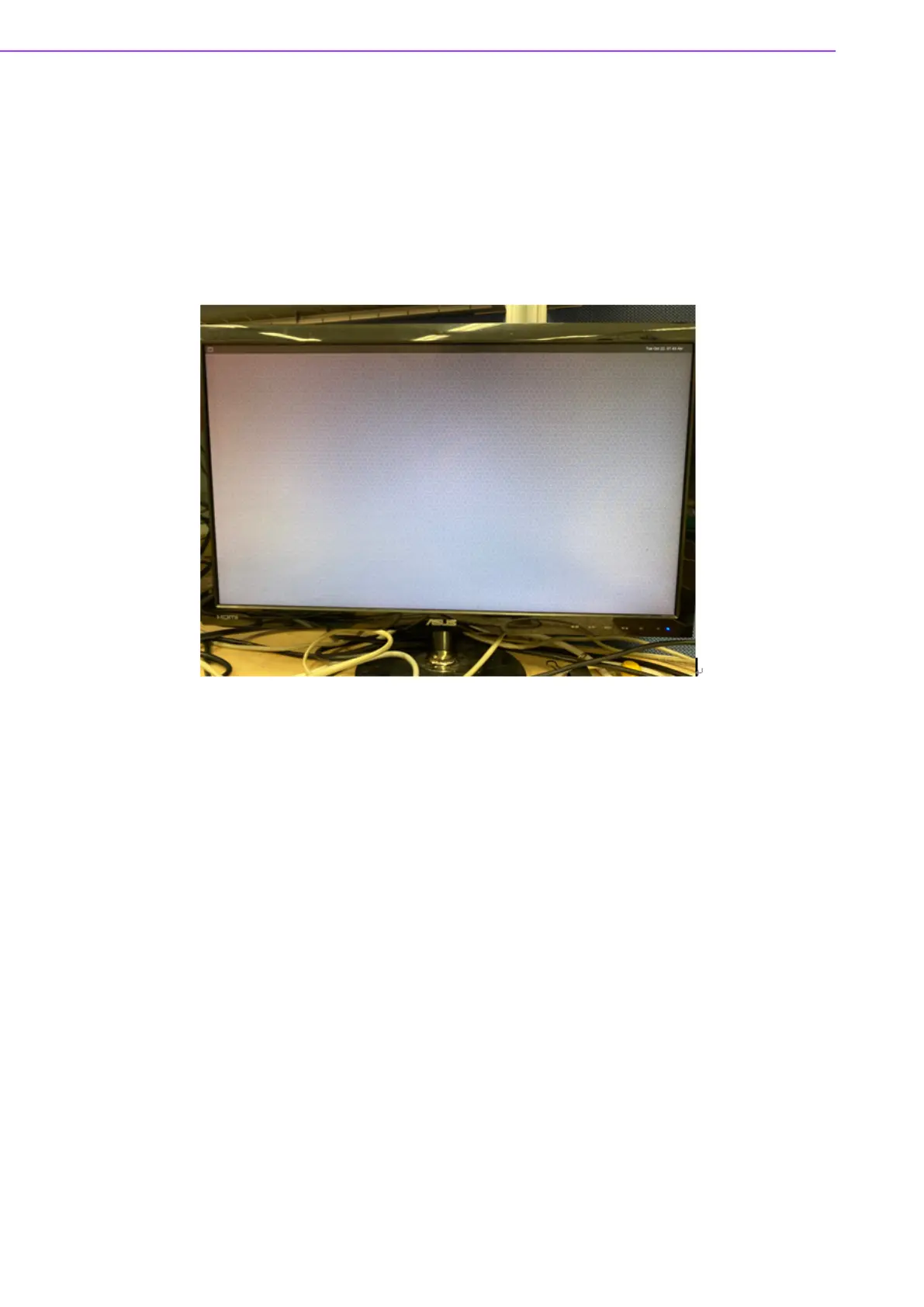
The default Weston UI will be displayed on the screen.
LVDS0 - G070VW01 V0 (VDD: 3.3V, Backlight Power: 12V)
Step 1: Connect 96LEDK-A070WV40NB1 LVDS panel with LVDS cable
(1700021883-01) to LVDS0 and Backlight cable (1700021882-01)
to LVDS0_BK_PWR.
Step 2: Change LVDS0_VDD1 jumper to (1-2 short), LVDS0_BL jumper to
(2-3 short).
Step 3: Power on.
Step 4: Weston UI will be displayed on the screen.


 To Next Page