21 ROM-5620 User Manual
Chapter 4 Software Functionality
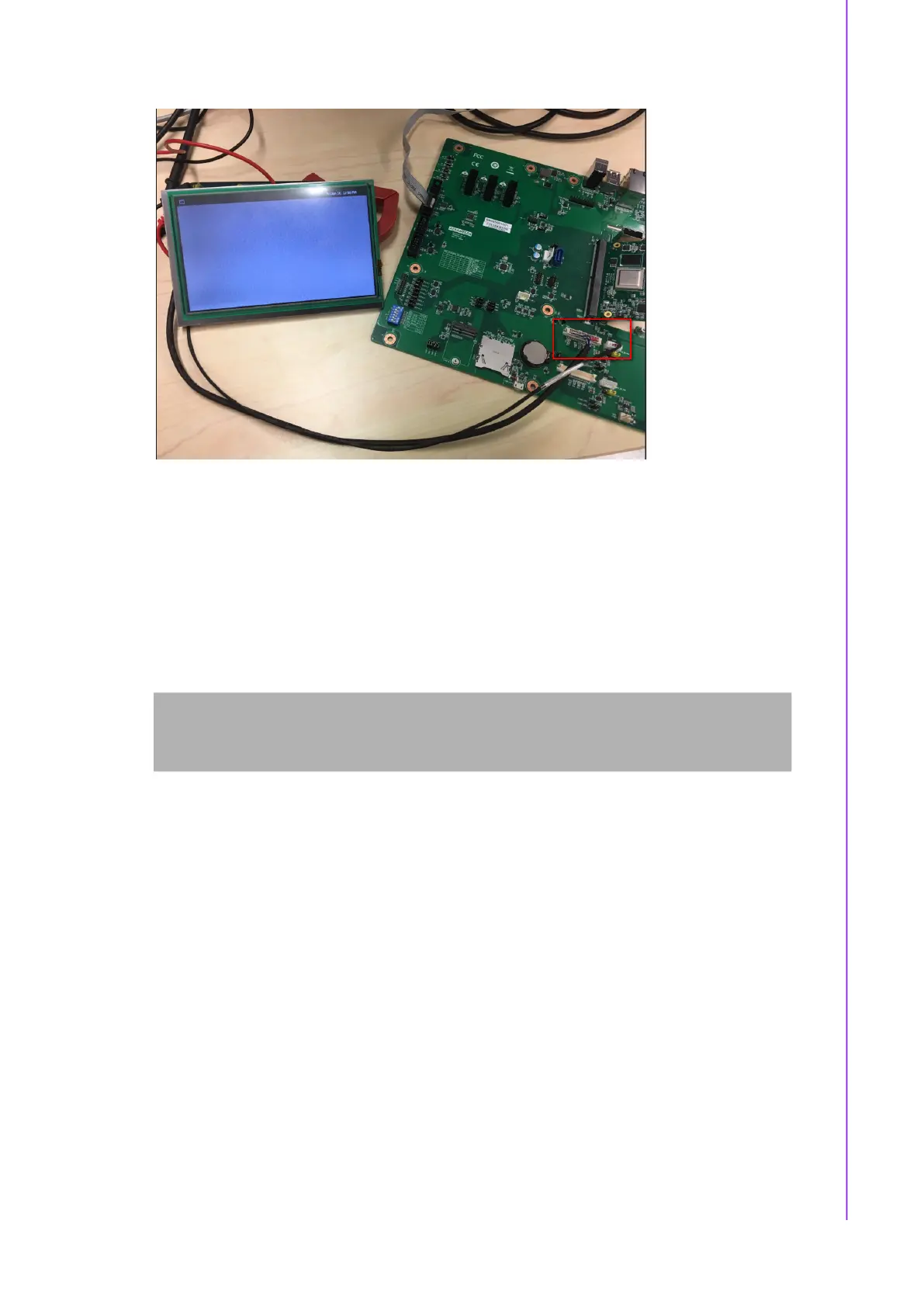
4.1.1.2 Dual Channel LVDS
Dual Channel LVDS - G215HVN0 (VDD: 5V, Backlight Power: 12V)
Step 1: Connect 96LEDK-A215FH30NF2 LVDS panel with LVDS cable to LVDS0 &
LVDS1 and Backlight cable to LVDS1_BK_PWR.
Step 2: Change LVDS0_VDD1 & LVDS1_VDD0 jumper to (2-3 short), LVDS1_BL
jumper to (2-3 short).
Step 3: Power on.
Step 4: Press enter after boot, the system will stop at u-boot, run the command
below:
Step 5: Weston UI will be displayed on the screen.
Normal Boot
Hit any key to stop autoboot: 0
u-boot=>
u-boot=> run lvds_dual


 To Next Page