23 ROM-5620 User Manual
Chapter 4 Software Functionality
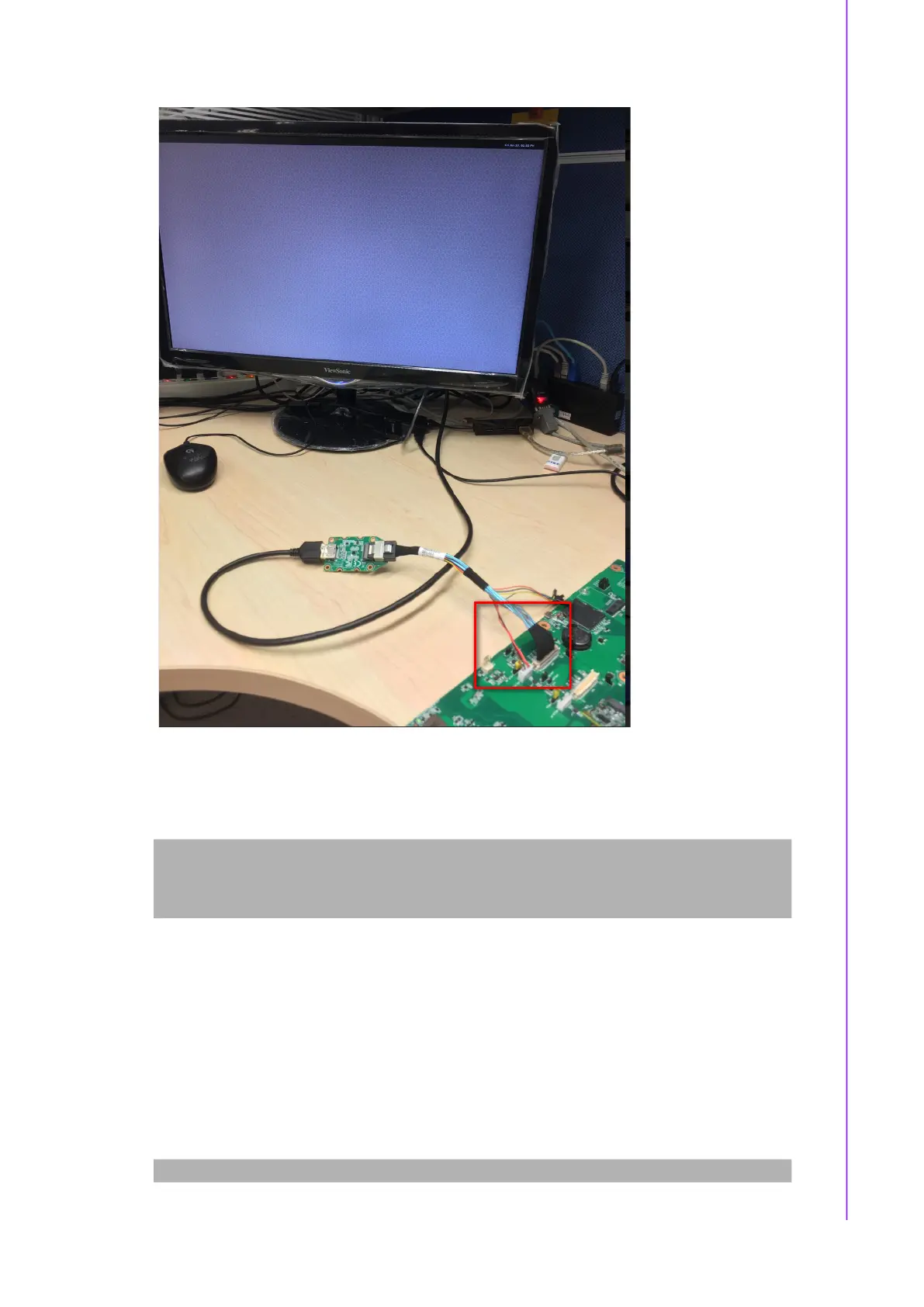
Step 3: Power on. (Please note that ROM-EG56 IC is extremely sensitive,
only plug/unplug it while the DC+12V is unplugged)
Step 4: Press enter after boot, system will stop at u-boot, run the command below:
Step 5: Weston UI will be displayed on the screen.
4.1.1.4 Test Different Resolutions:
Step 1: Disable Weston UI:
Normal Boot
Hit any key to stop autoboot: 0
u-boot=>
u-boot=> run hdmi_bridge
# systemctl stop weston


 To Next Page