Insert and remove the memory card
S50 supports external TF card up to 64G. Though all SD
cards above Class 6 can be used on S50, high-speed card is
recommended to perform high-definition shooting. When shooting
during dynamic motion, brand SDHC cards are recommended for
use in order to ensure smooth shooting.
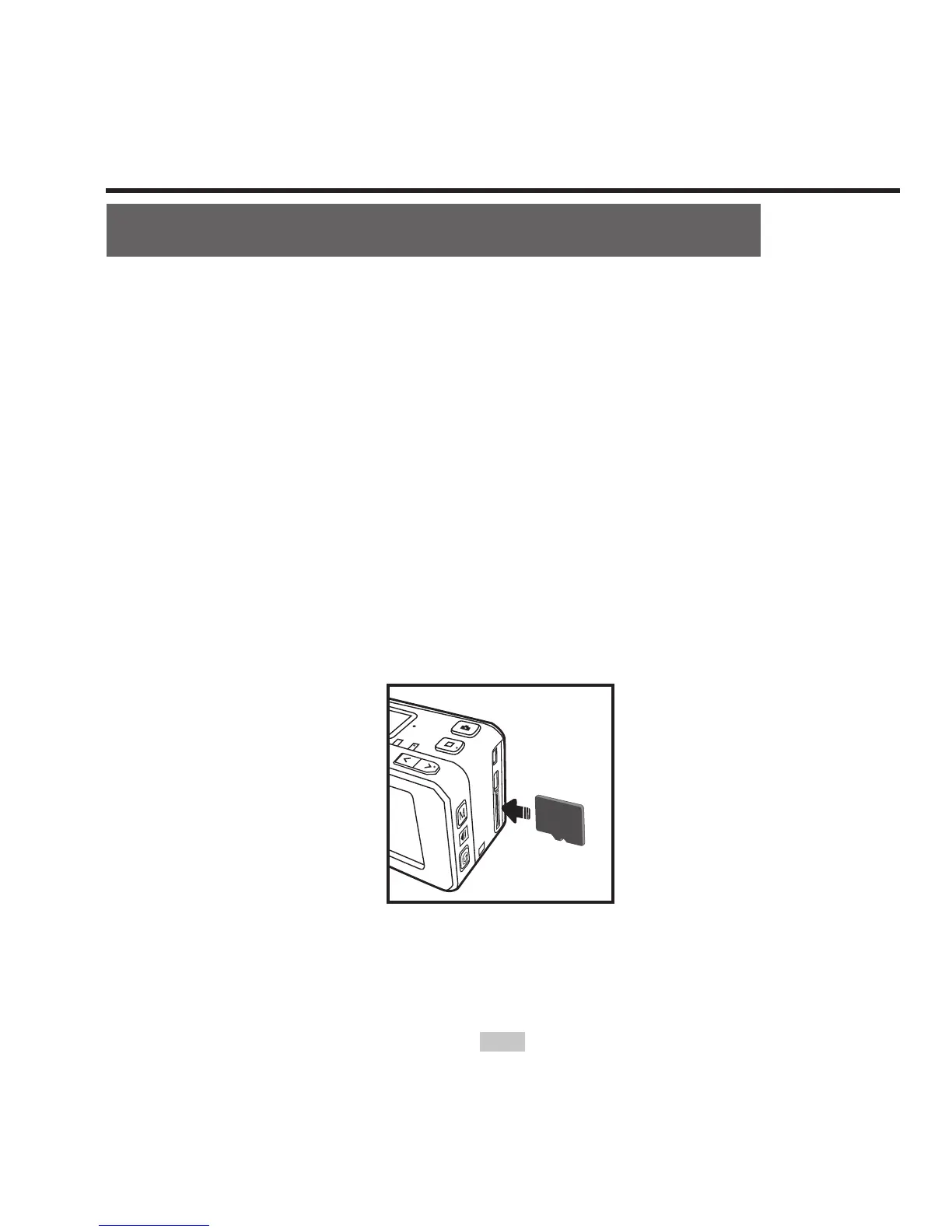
* Insert the memory card
1 Ensure that S50 is switched off.
2 Insert SD card into the memory card slot in the arrow direction
atly to the end. A "click" can be heard to indicate the card has
been well inserted.
* Remove the memory card
Press the center of exposed part of SD card and SD card will
pop up slightly. Then pull it out atly.



 To Next Page