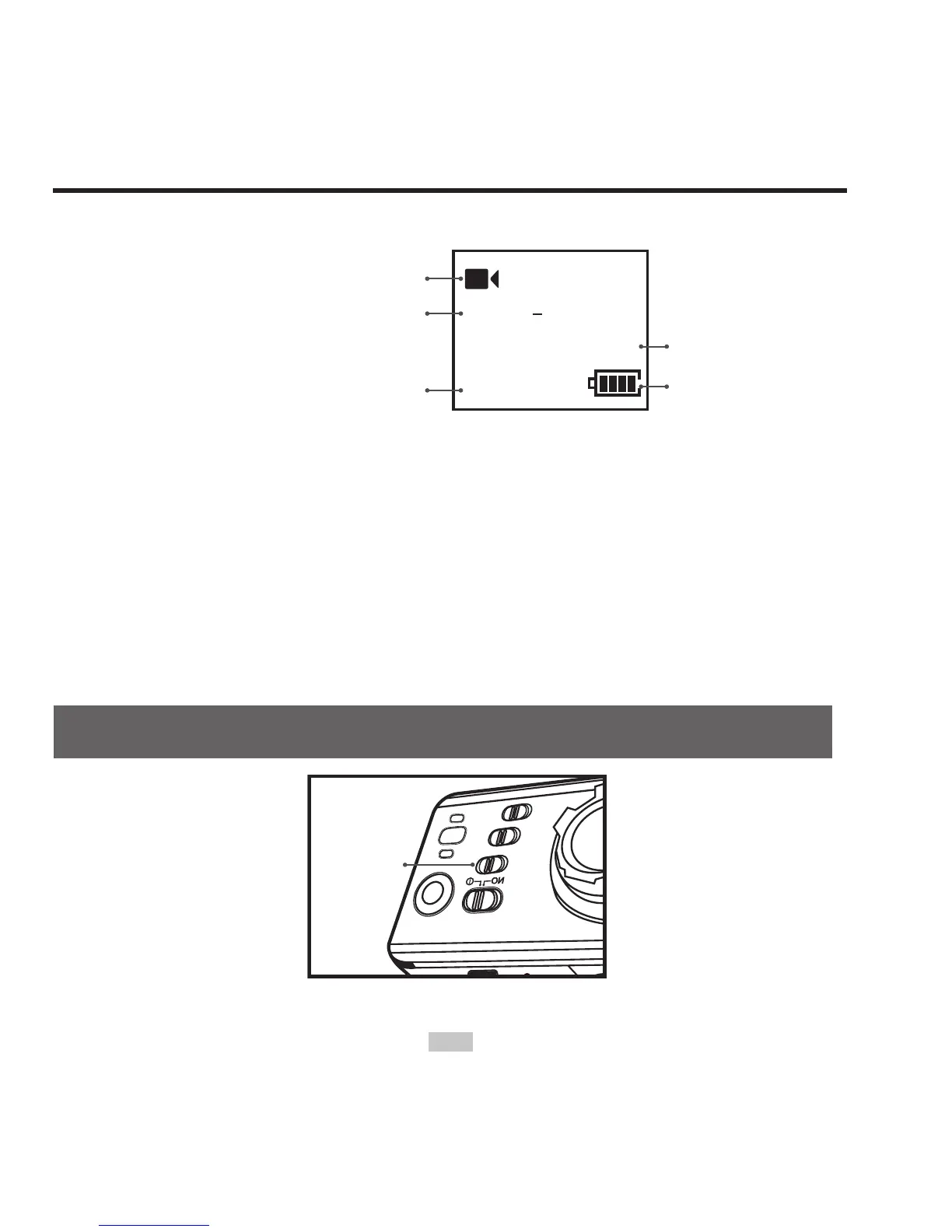
LCD segment display is shown as below for video recording:
1080P 25
00:00:28
2H30
Working mode (video recording)
Resolution for video recording
Remaining video recording time
of memory card
Recording time
Battery level
4. During video recording, press the "Stop" button once to stop
video recording.
• the system generates a tick tone twice ,indicating that the video
recording operation stops recording, and the time counter stops.
• The green indicators will be turned off.
• The display will return to recording standby mode.
Start video recording via G-SENSOR mode
G-Sensor
key
Turn G-Sensor key to "ON" so that S50 will actively sense the



 To Next Page