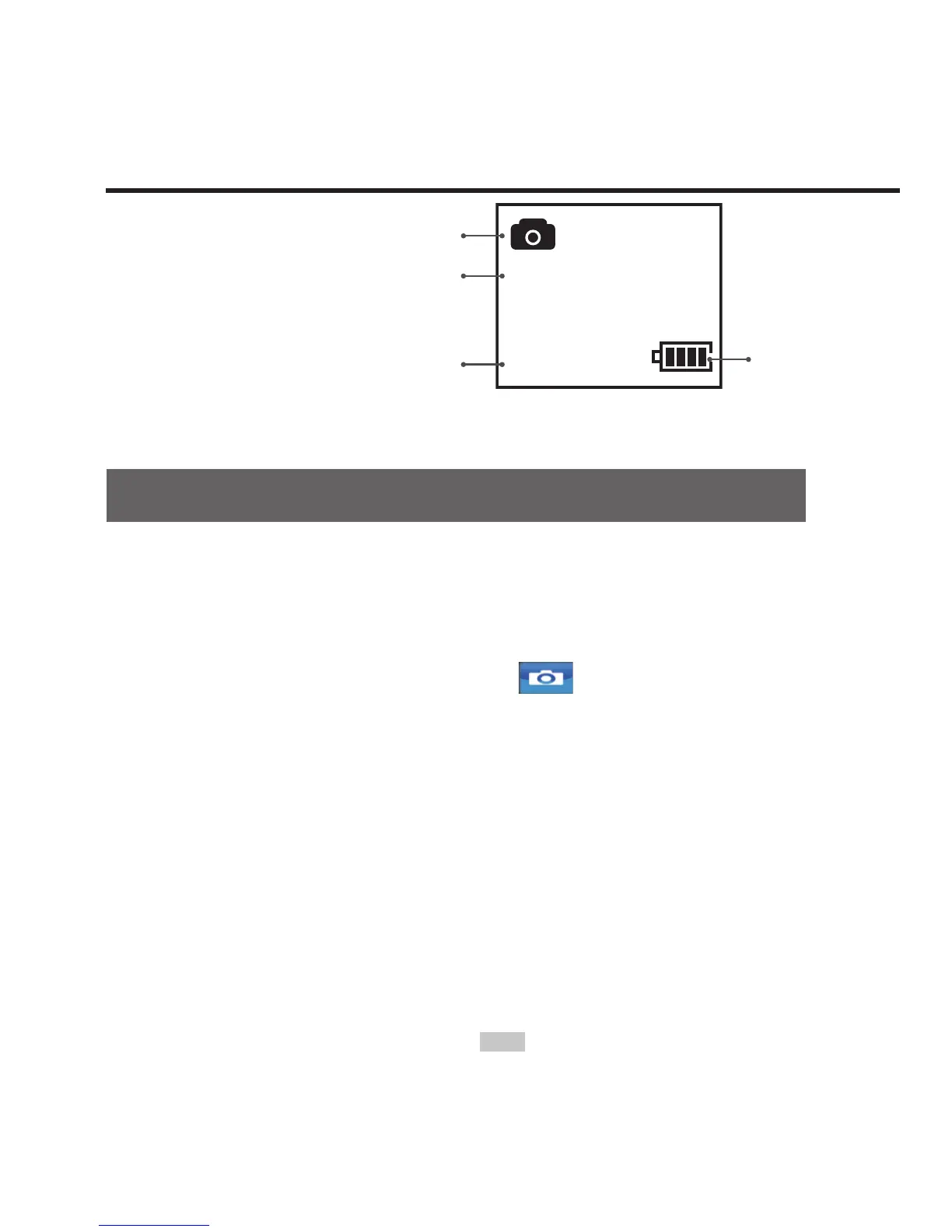
8M
100-105
0231
Working mode (photo shooting)
Resolution for photo shooting
Number of photos that can
be taken with free space of
memory card
Battery level
Parameter settings for photo shooting
Perform the following steps to set the parameters for video
recording:
1. Press "M" button to enter the setting menu;
2. Press "<" / ">" button to select " ";
3. Press "+" / "-" button to move blue cursor to the sub-menu you
want to congure;
4. Press "OK" button to enter the sub-menu;
5. Press "+" / "-" button to select the parameters you want;
6. Press "OK" button to conrm;
7. Press "M" button again to exit the setting menu.



 To Next Page