Video recording
Basic operations of video recording
1. Turn on S50 to enter recording standby mode;
2. Aim the lens to the subject and preview it in TFT display;
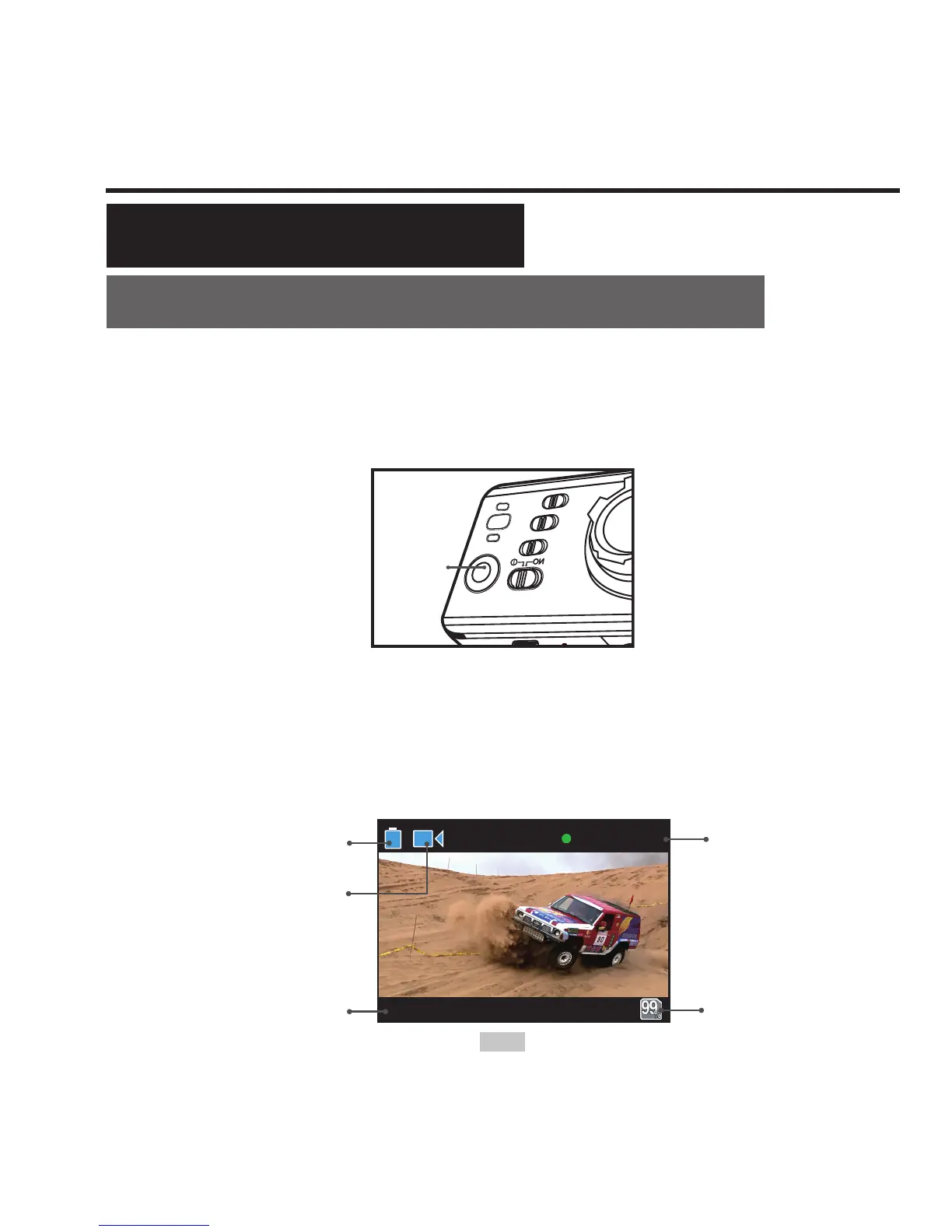
3. Press "Video recording button" once to start video recording;
Video
recording
button
• The system will tick once to indicate the effective of video
recording;
• The green indicators will ash slowly and time counter starts;
TFT display is shown as below for video recording:
1080P/25
000:00:28
Battery level
Working mode
(video recording)
Resolution for
Video recording
Time of video
recording
avaliable
space of
TF card



 To Next Page