Language
1 Turn on S50 to enter recording standby mode;
2 Press "M" button to enter the camera setting menu;
3 Press "<" / ">" button to select " ";
4 Press "-" / "+" button to select language setting option and press
"OK" button to conrm;
5 Press "<" / ">" button to move the cursor to the language type to
be modied. Then press "OK" to conrm;
6 Press "M" button to exit the menu and return to recording
standby mode.
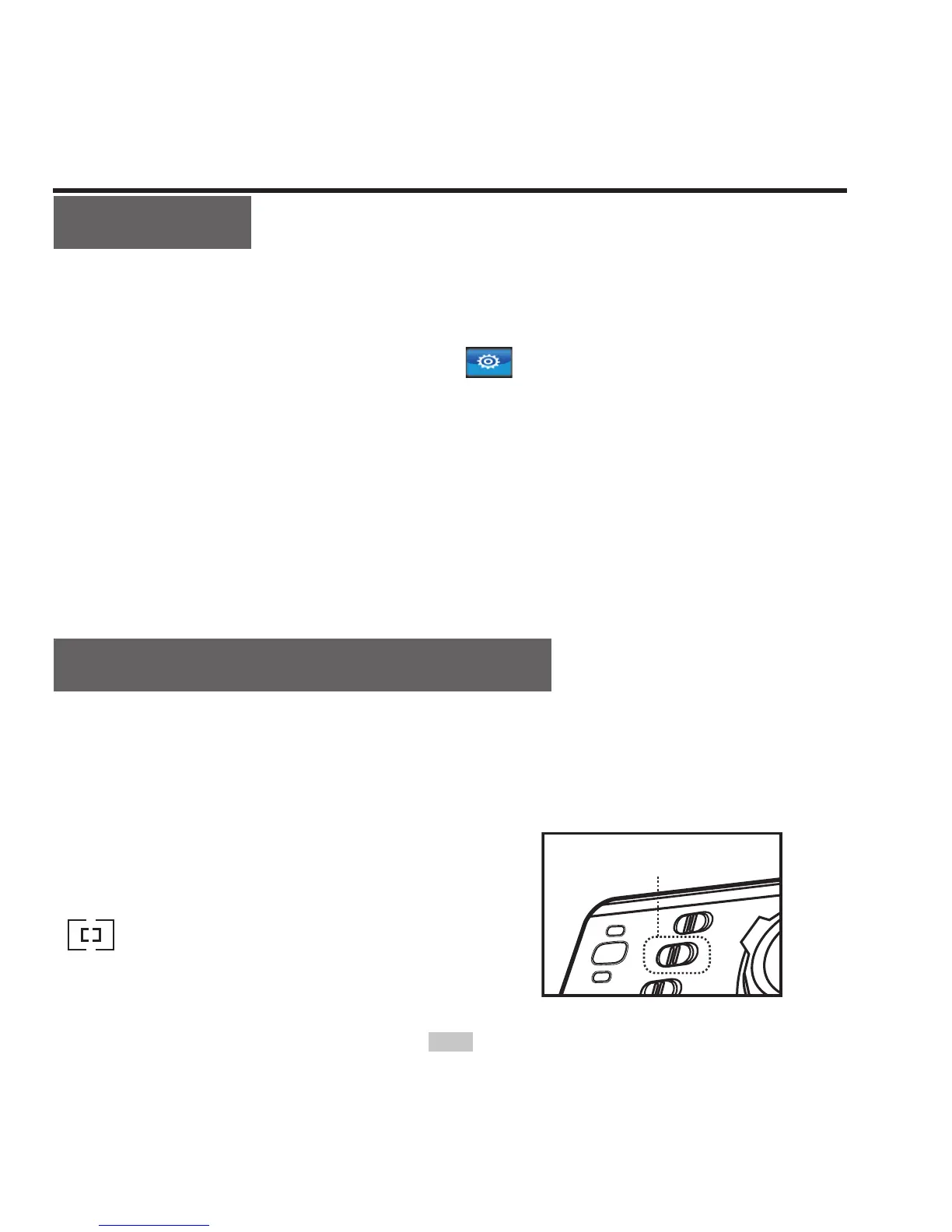
Select light metering mode
To achieve the best exposure effect, use central spot light metering
mode when the central spot is bright while the surrounding
environment is dark.
"ON": turn on central spot metering
" ": turn off central spot metering



 To Next Page