Operating Instructions for WiFi Control Interface
1. Video Recording
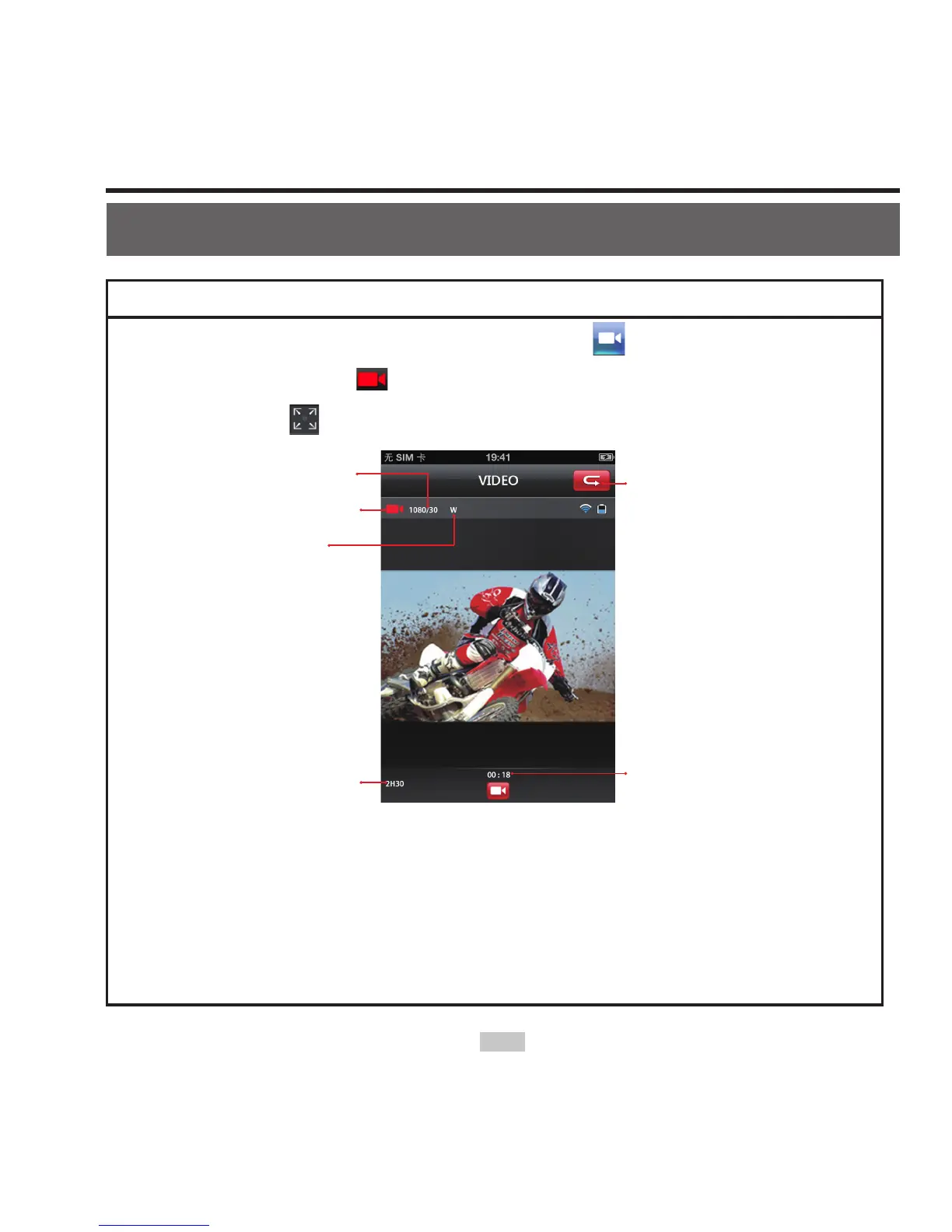
Click the Video recording mode icon " ". The current state
icon will dispaly as " ", click it to start / stop video recording.
Click the icon " " to maximize the preview (See Fig. 3).
frame rate
Current state
Angle
Remaining
recording time
Recording
Duration
Return to main
interface
Fig. 3 Video Recording Mode
You can set up your desired recording resolution in the parameter
setting interface. The options are 1080P,720P, 480P/50fps,480P/
60fps .(1080i/50fps,1080i/60fps,960P,480P/100fps,480P/120fps
are not available.)



 To Next Page