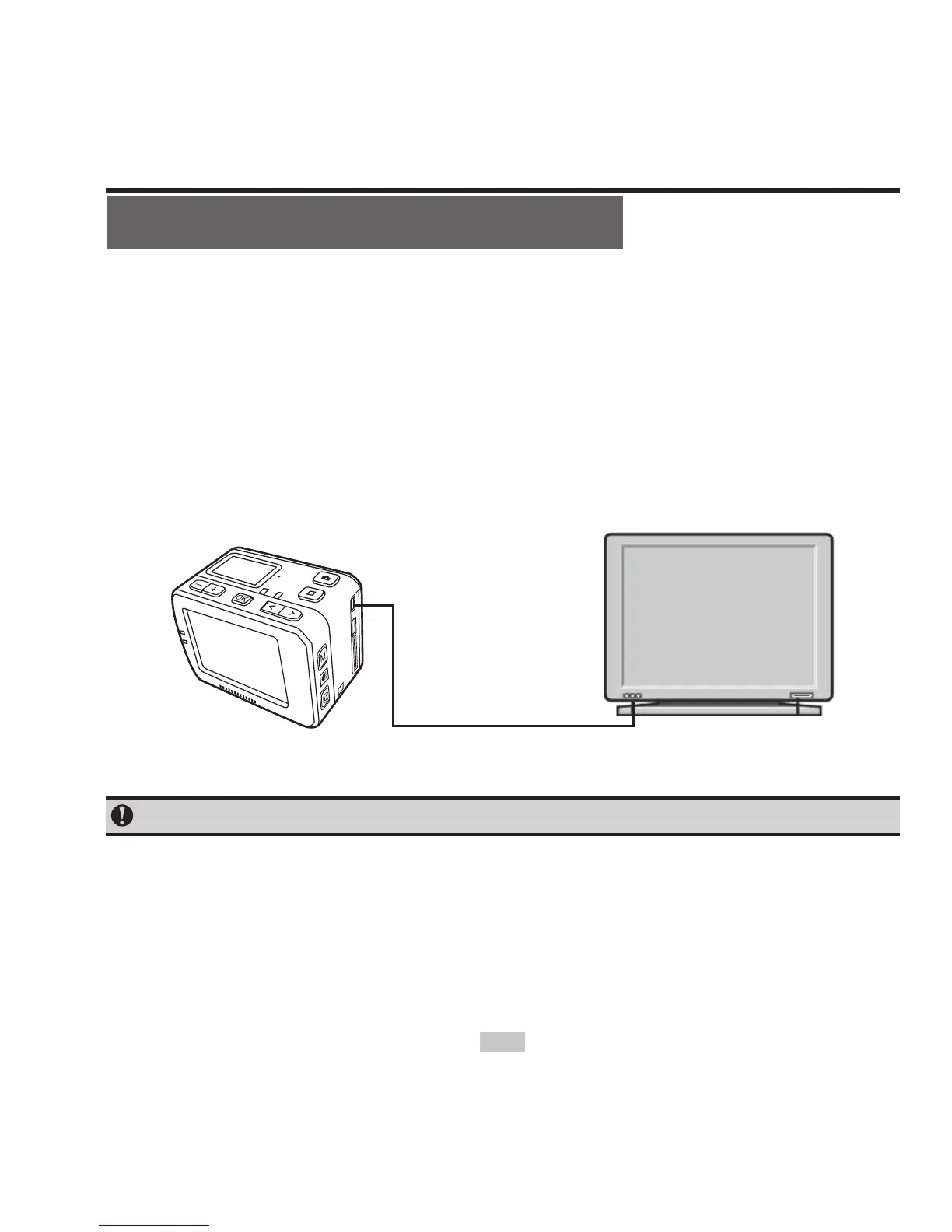
View video / photo on HDTV
The recorded les can also be played on TV or display with HDMI
interface.
Ensure that your camera is properly configured to NTSC (North
America) or PAL (Non-North America) video format; otherwise, the
video and images on S50 cannot be properly displayed on TV.
Use HDMI cable to connect S50 to the TV set:
6+'0,LQWHUIDFH



 To Next Page