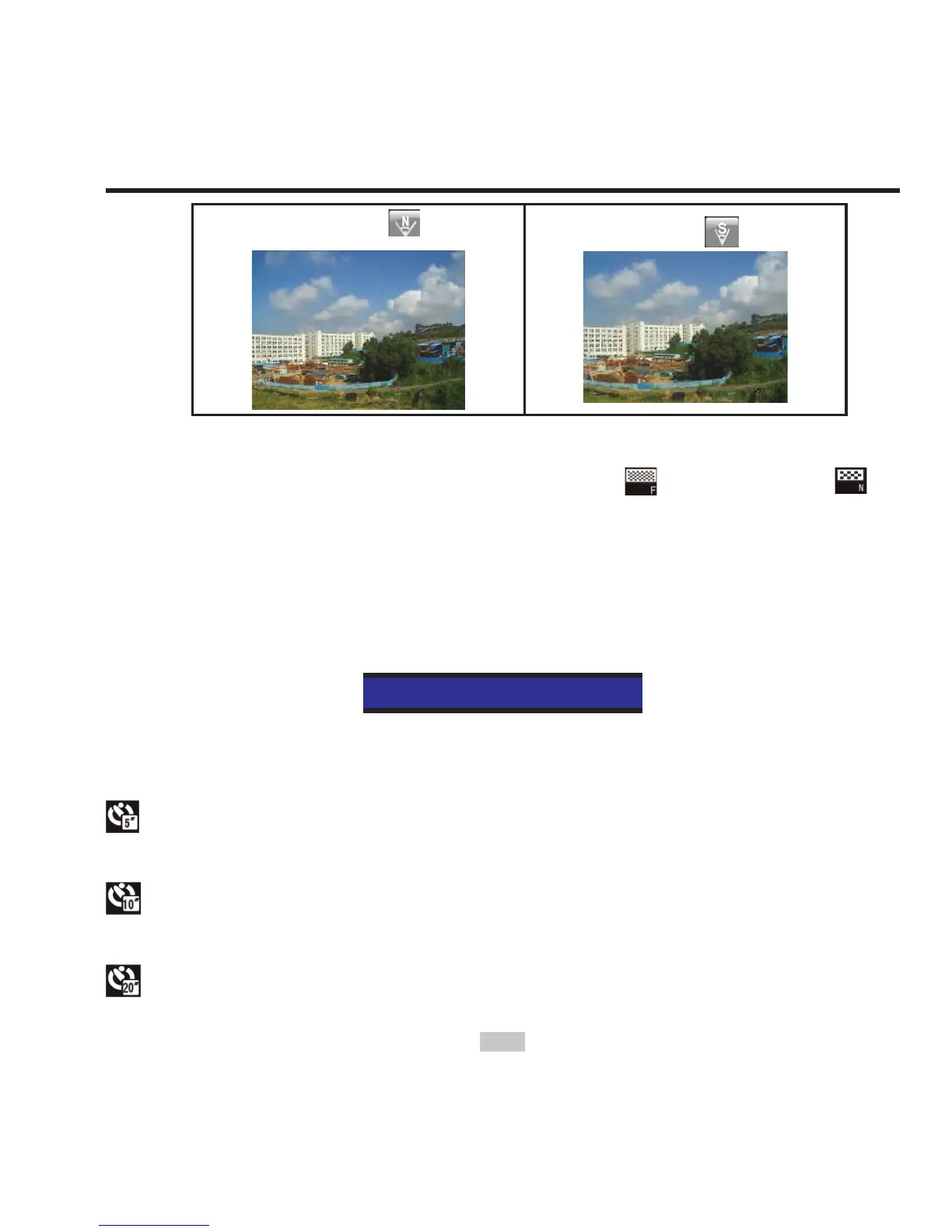
Narrow
Small
• Bit rate
This unit provides two bit rate options: high " " and normal " ".
(If high bit rate is selected, you will get clearer picture with increased
le size).
• Auto video
Set the video recording mode as "Auto video":
Exe.: Auto video
If this function is enabled, the system will auto start recording videos
according to the countdown time you set.
: Start video recording 5 seconds after "video recording" button is
pressed.
: Start video recording 10 seconds after "video recording" button
is pressed.
: Start video recording 20 seconds after "video recording" button



 To Next Page