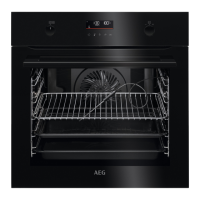
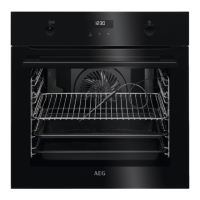
Accessories
Clean all accessories after each use and let them dry. Use a soft cloth with
warm water and a mild detergent. Do not clean the accessories in a dishwash‐
er.
Do not clean the non-stick accessories using abrasive cleaner or sharp-edged
objects.
11.2 How to remove: Shelf supports
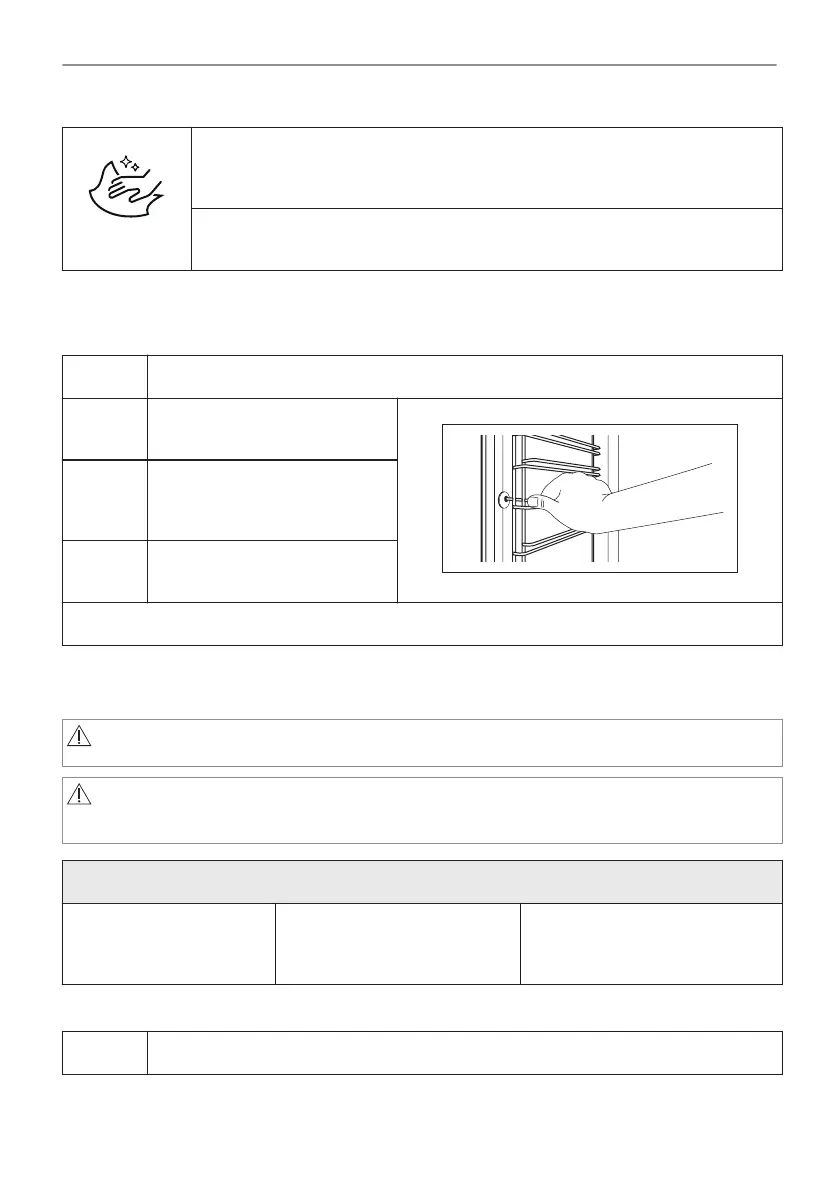
Remove the shelf supports to clean the oven.
Step 1 Turn off the oven and wait until it is cold.
Step 2 Carefully pull the shelf supports
up and out of the front catch.
Step 3 Pull the front end of the shelf
support away from the side
wall.
Step 4 Pull the supports out of the rear
catch.
Install the shelf supports in the opposite sequence.
11.3 How to use: Pyrolytic Cleaning
Clean the oven with Pyrolytic Cleaning.
WARNING!
There is a risk of burns.
CAUTION!
If there are other appliances installed in the same cabinet, do not use them at the
same time as this function. It can cause damage to the oven.
Before the Pyrolytic Cleaning:
Turn off the oven and wait
until it is cold.
Remove all accessories. Clean the oven floor and the in‐
ner door glass with warm water,
a soft cloth and a mild detergent.
Do not fill the water tank during cleaning. It restarts the cleaning cycle.
Step 1 Turn on the oven.
80/240
CARE AND CLEANING



 To Next Page