Operating Instructions
13
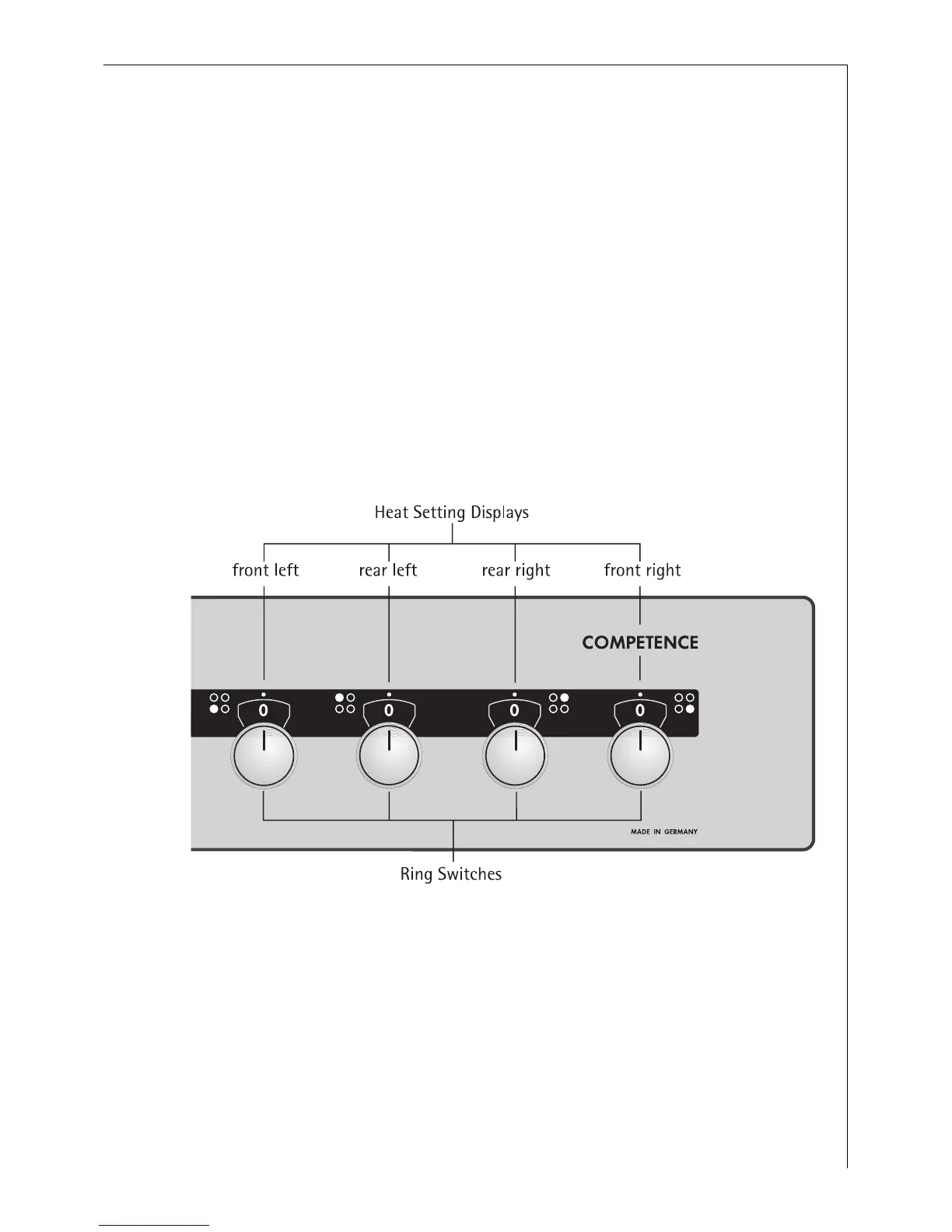
Using the Rings
3
Also refer to the operating instructions for your built-in hob. It con-
tains important information on ovenware, operation, cleaning and care.
Heat settings
• You may select the heat settings within the range of settings 1-9.
• Intermediate positions may be selected between settings 2 and 7.
They are marked with a dot.
1 = lowest heat setting
9 = highest heat setting






 To Next Page