14
3
The cooker has pop-up ring switches.
Press the ring switch to use it. The switch will then pop up.
Setting the Heat Setting
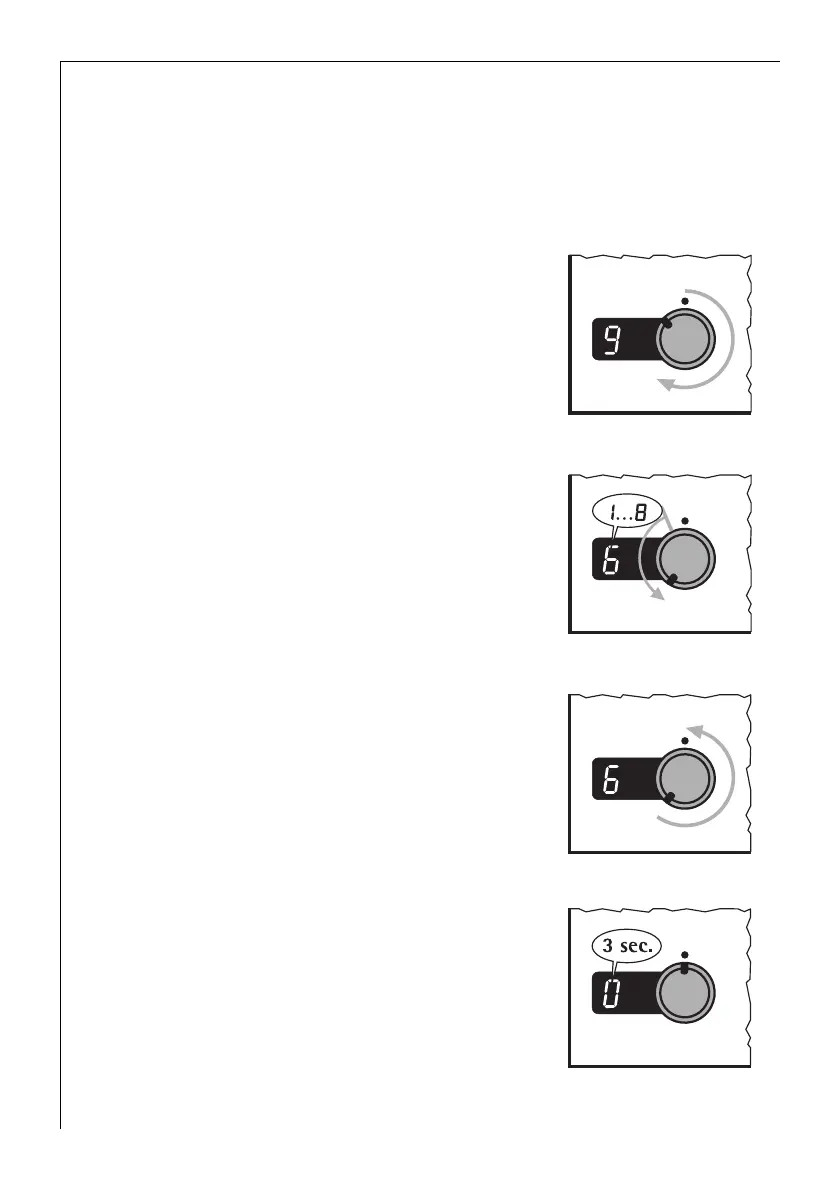
1. Switch on the appliance using the mains button.
2. Select a high setting to heat up or
brown.
(Use setting 9.)
3. As soon as steam forms or the fat is
hot reduce the heat to the required
setting.
4. To stop cooking turn the switch to
the off position.
The relevant ring display will stay on
for approx. 3 seconds “0”.





 To Next Page