Take photos and record videos
55
20.4 Camera options
20.5 View photos
In the viewfinder, press H and tap Gallery.
- Thumbnail images of the photos you have taken are displayed.
- Tap on a thumbnail to view it in full screen.
- Tap Delete to delete the photo.
- Tap Share to send the photo via email
- Tap More for other photo options such as rotate, crop, set as wallpaper, etc.
Press
B to return to viewfinder.
20.6 Record video
Drag slider to camcorder icon.
1 Tap to start/stop video recording.
- A recording timer appears on the top left of the screen.
- A thumbnail of the video you have just recorded is shown.
- Tap on the thumbnail to view it in full screen.
- Tap > and then tap ES Video Player or Movies to play it.
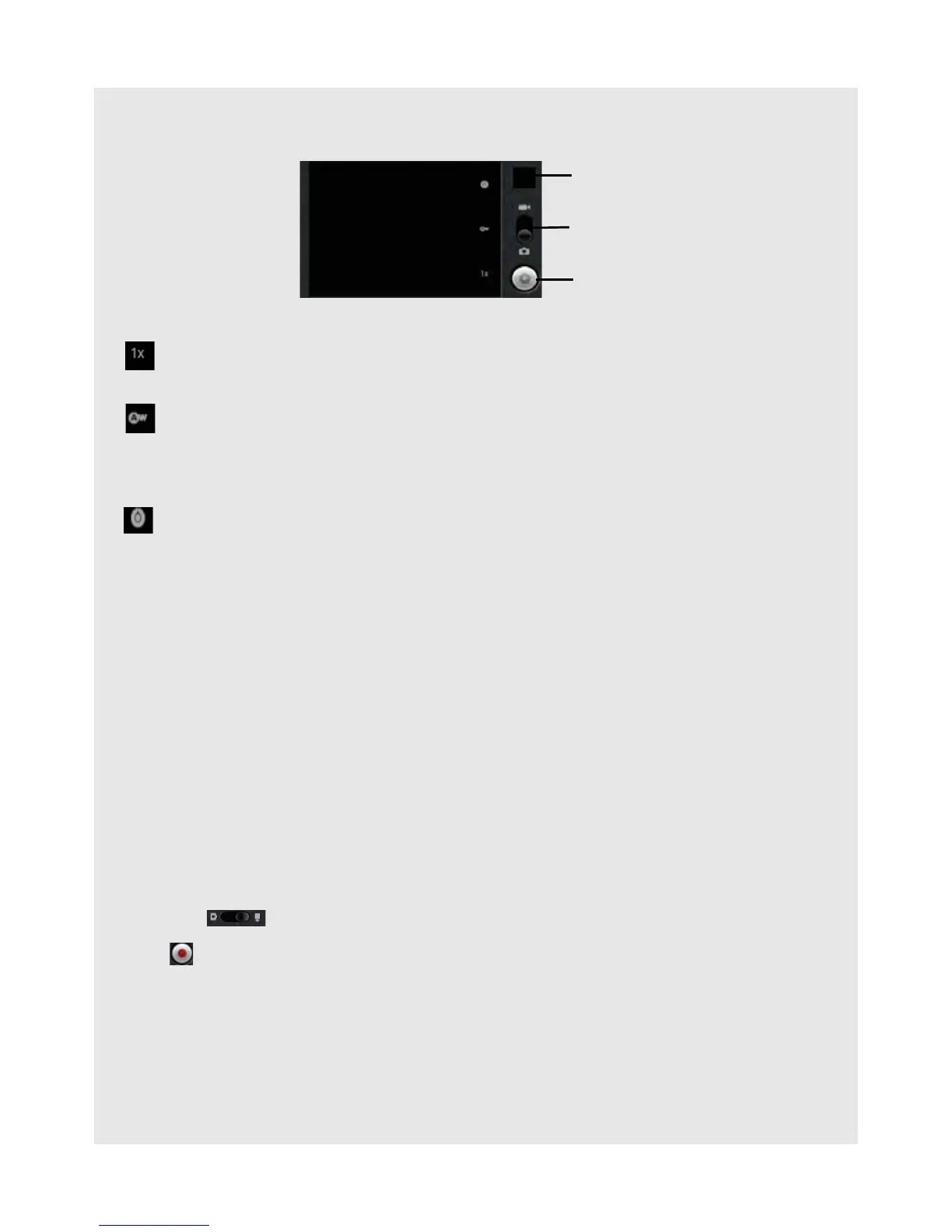
Drag slider to select zoom factor from 1x to 4x
Tap to select white balance: Auto, Incandescent, Daylight, Fluorescent,
Cloudy
Select Incandescent or Fluorescent for indoor lighting or Daylight or Cloudy for
outdoor lighting.
Tap to select exposure: +2, +1, 0, -1 or -2
Shows thumbnail
of last photo
Tap to take photo
Drag up to switch
to camcorder



 To Next Page