Take photos and record videos
56
- Tap Delete to delete the video.
- Tap Share to send the video via email
- Tap More for other video options.
Press
B to return to viewfinder.
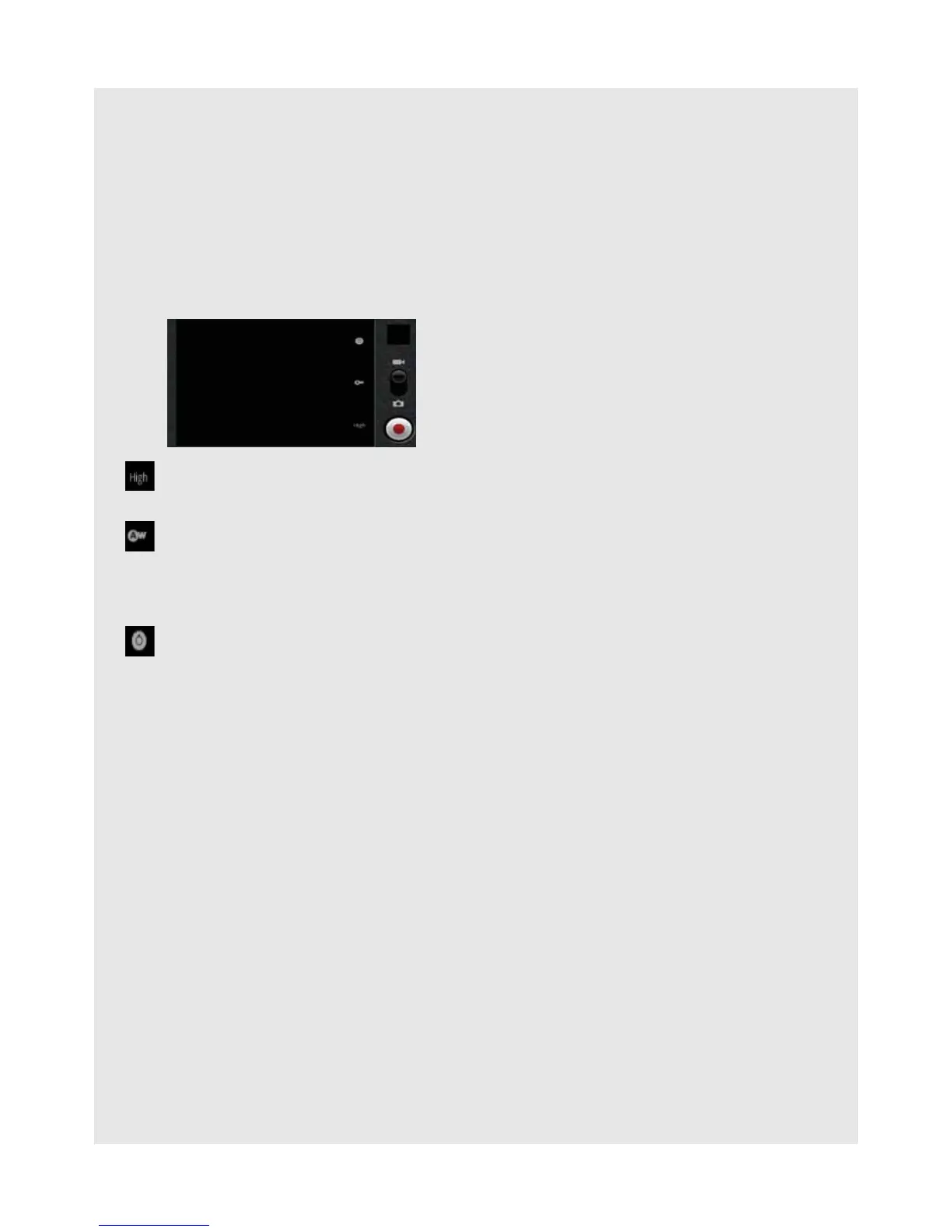
20.7 Video options
20.8 Play videos
1 In the viewfinder, press H and tap Gallery.
- Thumbnail images of the photos and videos you have taken are displayed.
2 Tap on a video thumbnail and then tap ES Video Player or Movies to play it.
Press
B to return to Gallery.
Tap to select video quality: High, Low, MMS, YouTube
Select Low if sending the video via MMS, High if storing the video on an SD card.
Tap to select white balance: Auto, Incandescent, Daylight, Fluorsecent,
Cloudy
Select Incandescent or Fluorescent for indoor lighting or Daylight or Cloudy for
outdoor lighting.
Tap to select color effect: None, Mono, Sepia, Negative, Posterise, Aqua
Select Sepia for an "antique" look, Mono for black and white, Negative to invert
the video image, etc.



 To Next Page