Tip
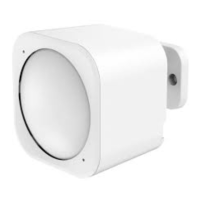
For best performance, the MultiSensor should not be
mounted directly on or near metal framing or other large
metallic objects. Large metal objects may weaken the radio
signal transmitted.
Adjusting the Sensitivity
on the MultiSensor.
Turn the Sensitivity Knob in a clockwise direction to increase
sensitivity and counter-clockwise to decrease sensitivity.
Z-Wave Network
Instructions.
The Aeotec MultiSensor must be paired (included) into a Z-
Wave network before it can send Basic Set Command,
Temperature, Humidity, and Light level reports to association
group 1 which is setup via the Association Command class.
The MultiSensor can only communicate to devices within its





 To Next Page