Aercus Instruments™ - WeatherRanger® 32 | P a g e
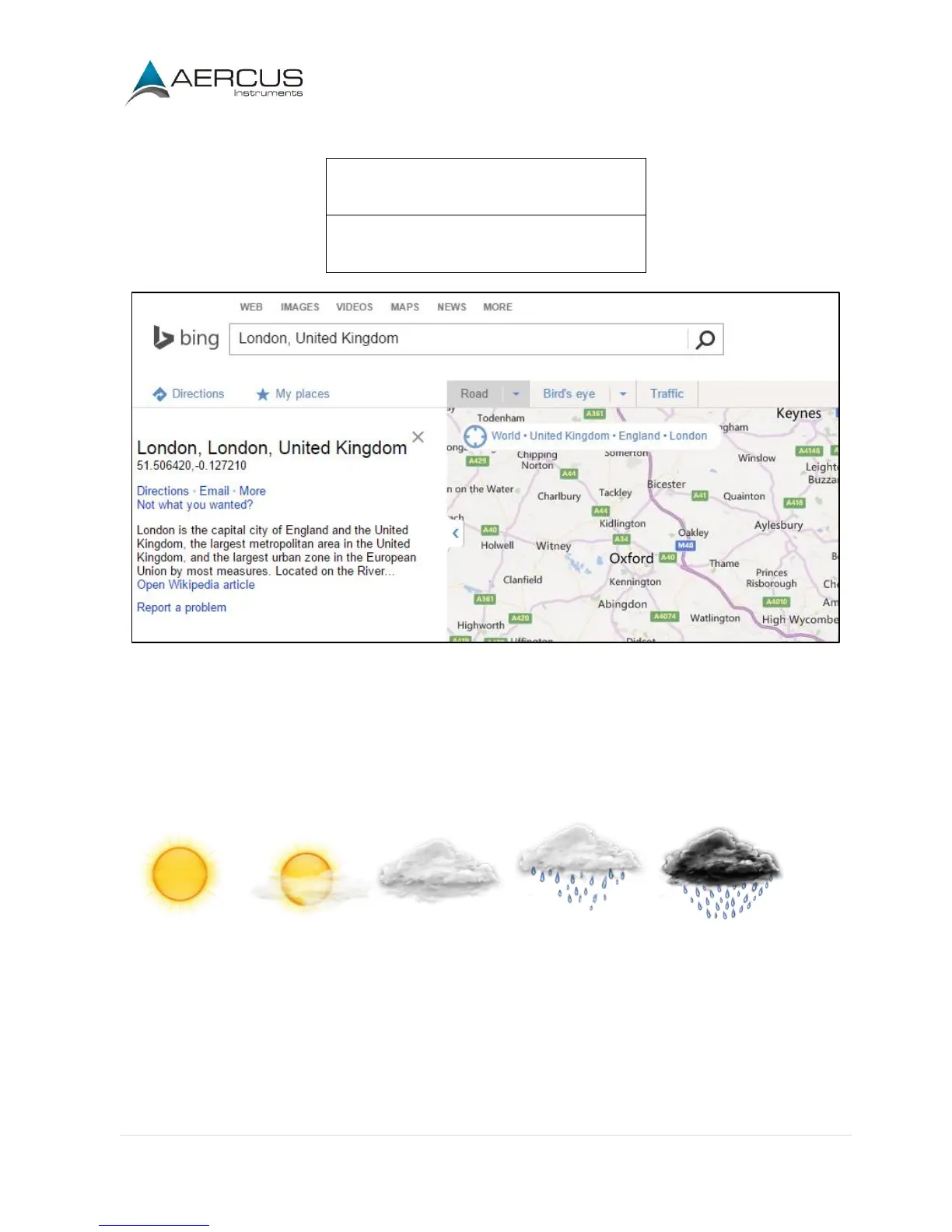
Record your longitude and latitude here for future reference:
Figure 25
4.3.13 Weather Threshold
The pressure threshold can be set to suit the user’s requirements for weather forecasting - anywhere from 2 -
4hPa (default 3hPa). Areas that experience frequent changes in air pressure require a higher setting compared
to areas where the air pressure is stagnant. For example if 4hPa is selected, then there must be a fall or rise in
air pressure of at least 4hPa before the weather station will register this as a change in weather. The forecast
icons are as follows:
Sunny Partly Cloudy Cloudy Rainy Storm
4.3.14 Storm Threshold
The storm threshold can be set to suit the user’s requirements for storm forecasting - anywhere from 3 - 9hPa
(default 4hPa). When there is a fall below the pressure threshold within any given 3 hour period the storm icon
will appear.


 To Next Page