Aercus Instruments™ - WeatherRanger® 37 | P a g e
4.4 Alarm Mode
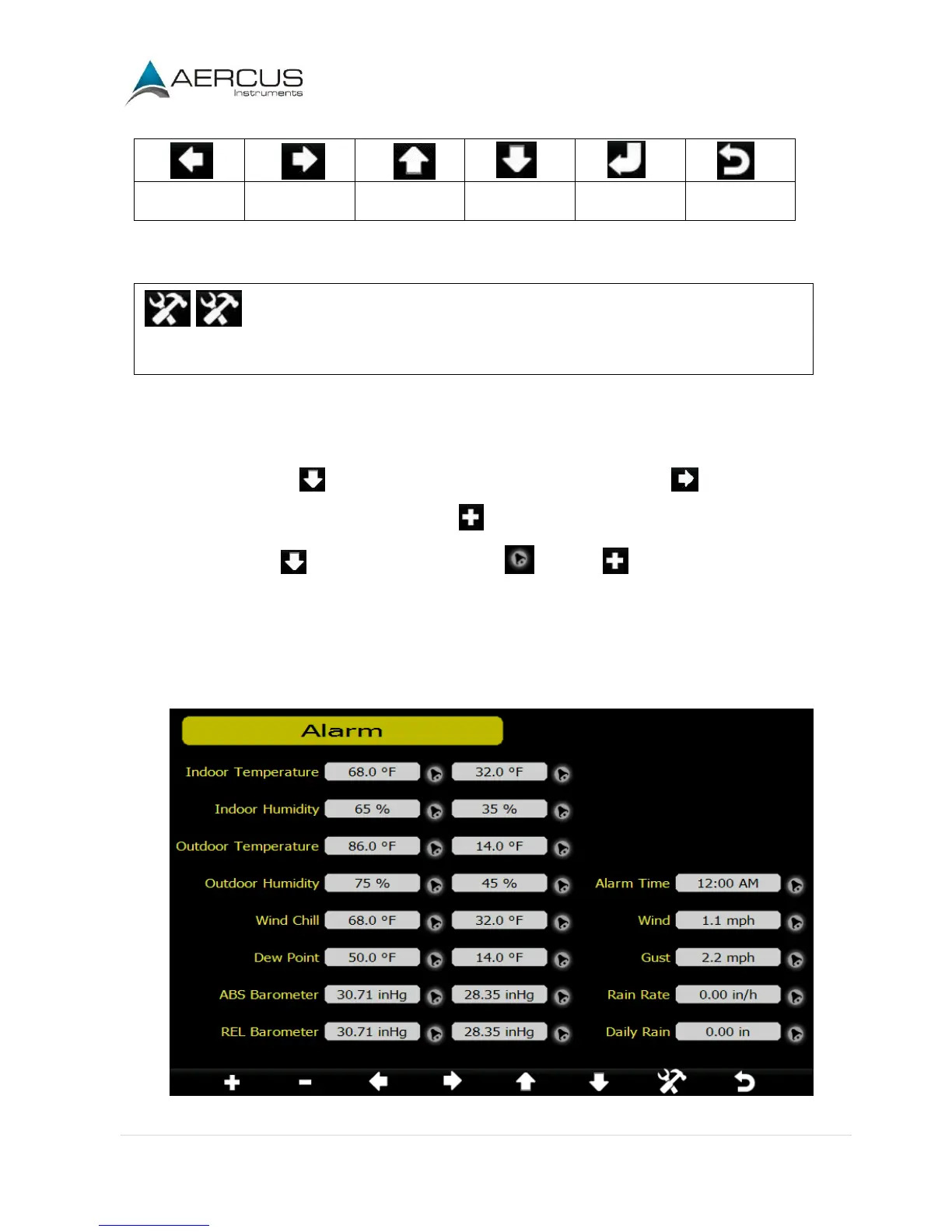
The upper alarm is displayed on the right and the lower alarm is displayed on the left. If the measured value
is greater than the maximum alarm setting, the alarm will sound. If the measured value is less than the
minimum alarm setting, the alarm will sound.
To adjust the alarm press to scroll the alarm setting you wish to change. Press to highlight the sign
(positive or negative) and significant digit. Press to change the value.
To set the alarm, press to highlight the alarm symbol and press to toggle the alarm ON or OFF.
When a weather alarm condition has been triggered, the alarm will sound for 120 seconds and the
corresponding icon will flash until the weather condition is no longer present. Press any key to mute the
alarm.
You can also set a time of day alarm using the same method.
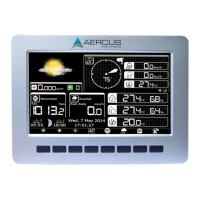
Figure 28


 To Next Page