5
1 QUICK REFERENCE
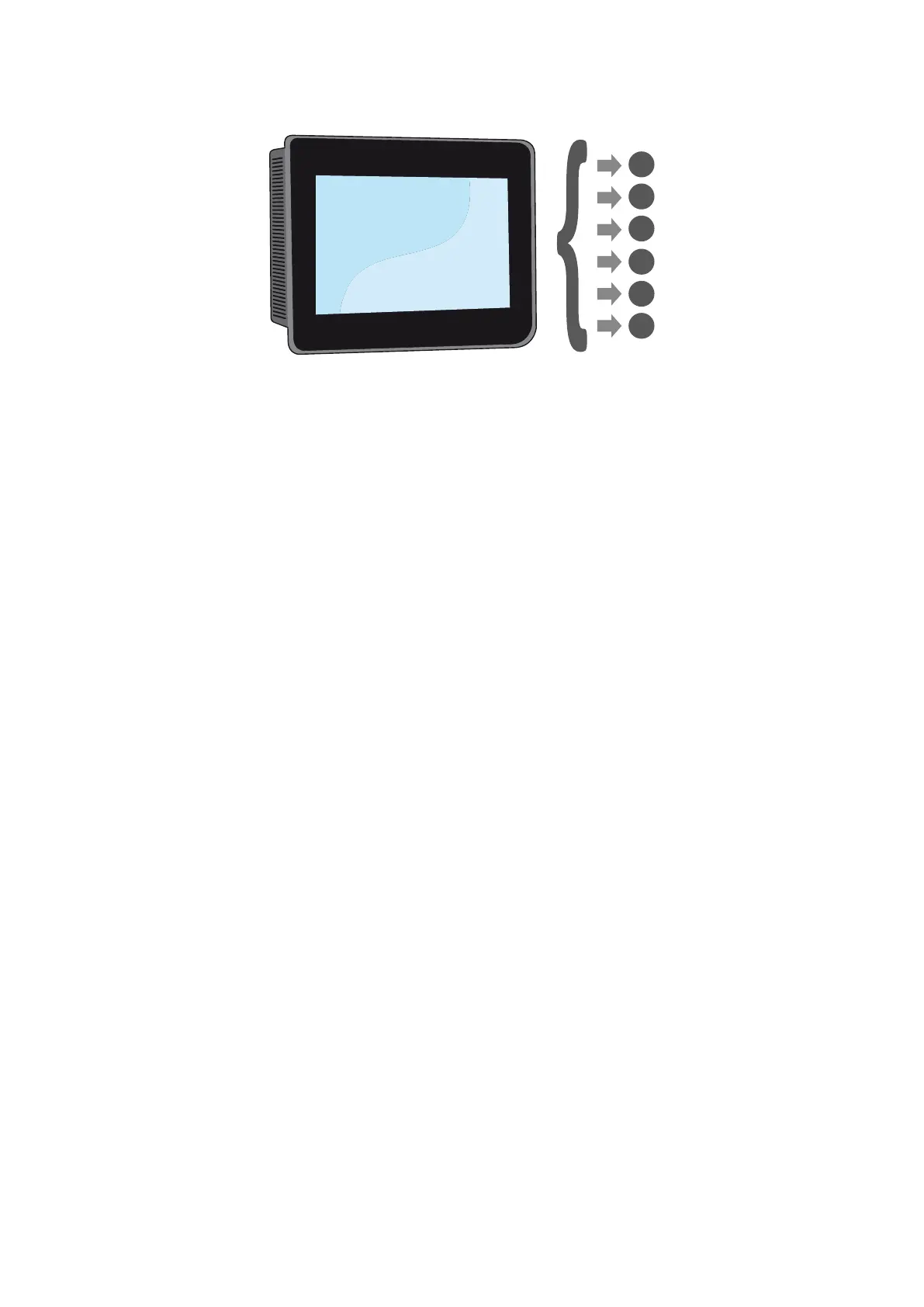
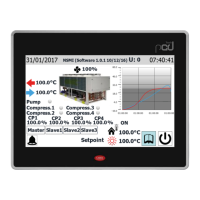
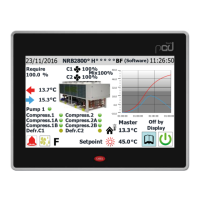
This manual describes all the windows found in the control software of the C-Touch
panel, but the list below contains all the basic operations that the user might need,
referring him/her to the relative page of the manual where there is a description of
that specic function (for all other information, refer to the contents page):
A Switching the unit ON/OFF (5.1Switching the unit ON/OFFp.14)
B Selecting the operating mode (6.1Setting the operating mode and the main set-pointsp.14)
C Setting a main operating set-point (6.1Setting the operating mode and the main set-pointsp.14)
D Setting the time bands (11Time band menup.25)
E Applying a timed program (11.1Page for creating timed programsp.25)
F Changing the system language (12.1Page for selecting the system languagep.26)
A
B
C
D
E
F


 To Next Page