36
in.xm
TM
accessories corrective actions
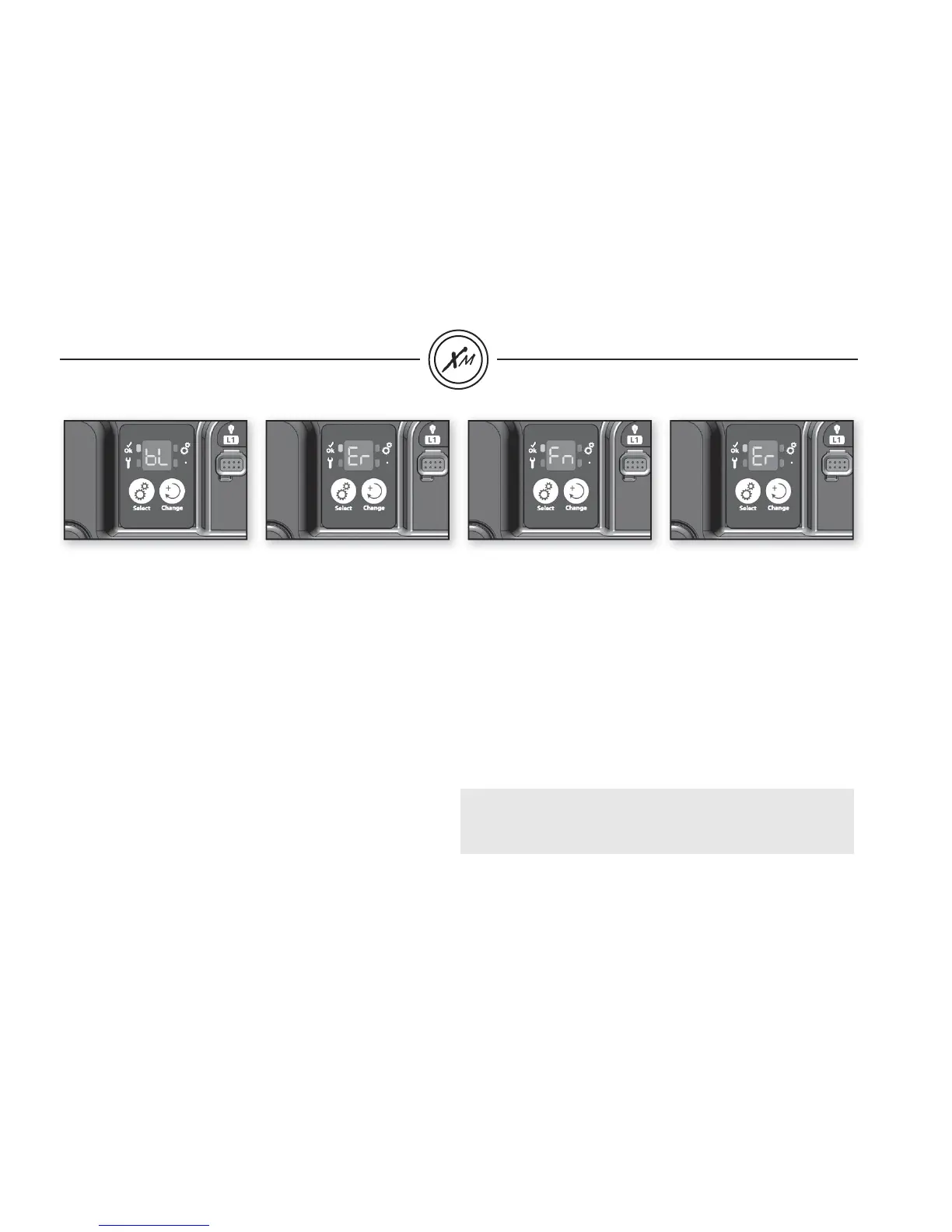
BL - ER
Blower not responding
• Make sure blower is connected properly.
• Manually change the output status (on/off) of blower.
• Reset spa pack.
• If error does not clear, problem is probably with blower, it will
need to be replaced.
• If blower is replaced, a new learning routine must be performed
(see procedure page 15).
FN - ER
Fan not responding
• Make sure fan is properly connected.
• Manually change the output status (on/off) of fan.
• Reset spa pack.
• If error does not clear, problem is probably with the fan.
It will need to be replaced.
• If the fan is replaced, a new learning routine must be performed
(see procedure page 15).
• Replace ozonator par Fan.
Important:
• If the fan doesn't draw more than 400 ma, the FN-ER error will
not be displayed even if the fan is defective.


 To Next Page