CHAPTER 2: Console Overlay and Workout Description
Note: when headphones are plugged into the headphone jack the sound will no longer come out through the speakers.
: 1A/5V USB output power.
: holds tablet or reading material.
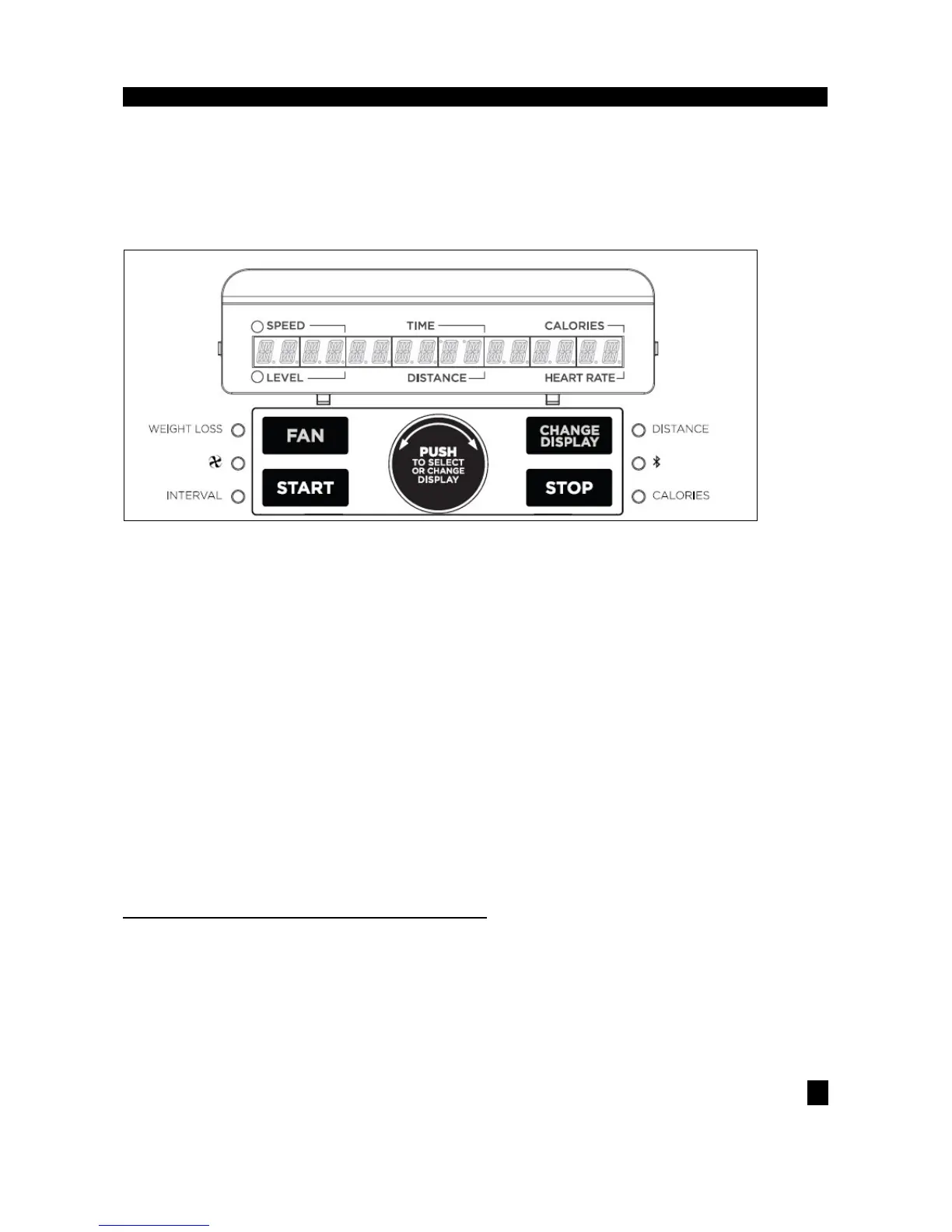
: changes display level between top and bottom row.
Shown as minutes : seconds. View the time remaining or the time elapsed in your workout.
•
Shown as miles. Indicates distance traveled during your workout.
•
Shown as MPH. Indicates how fast the foot pedals are moving.
•
Total calories burned during your workout.
•
Shown as BPM (beats per minute). Used to monitor your heart rate (displayed when contact is made
with both pulse grips).
•
Shows the current level of resistance.
•
LED lights up next to currently selected target. If no LED is lit, no target is activated.
•
LED lights up next to currently selected workout. If no LED is lit, no workout is activated.
2.3 GETTING STARTED & PROGRAM INFORMATION
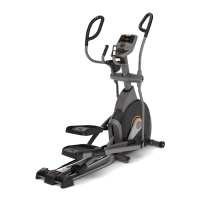
1) Check to make sure no objects are nearby that will hinder the movement of the elliptical.
2) Plug in the power cord to turn the elliptical ON.
3)
Simply press the START key to begin working out. The time will count up from 0:00, the resistance level will default to


 To Next Page