9
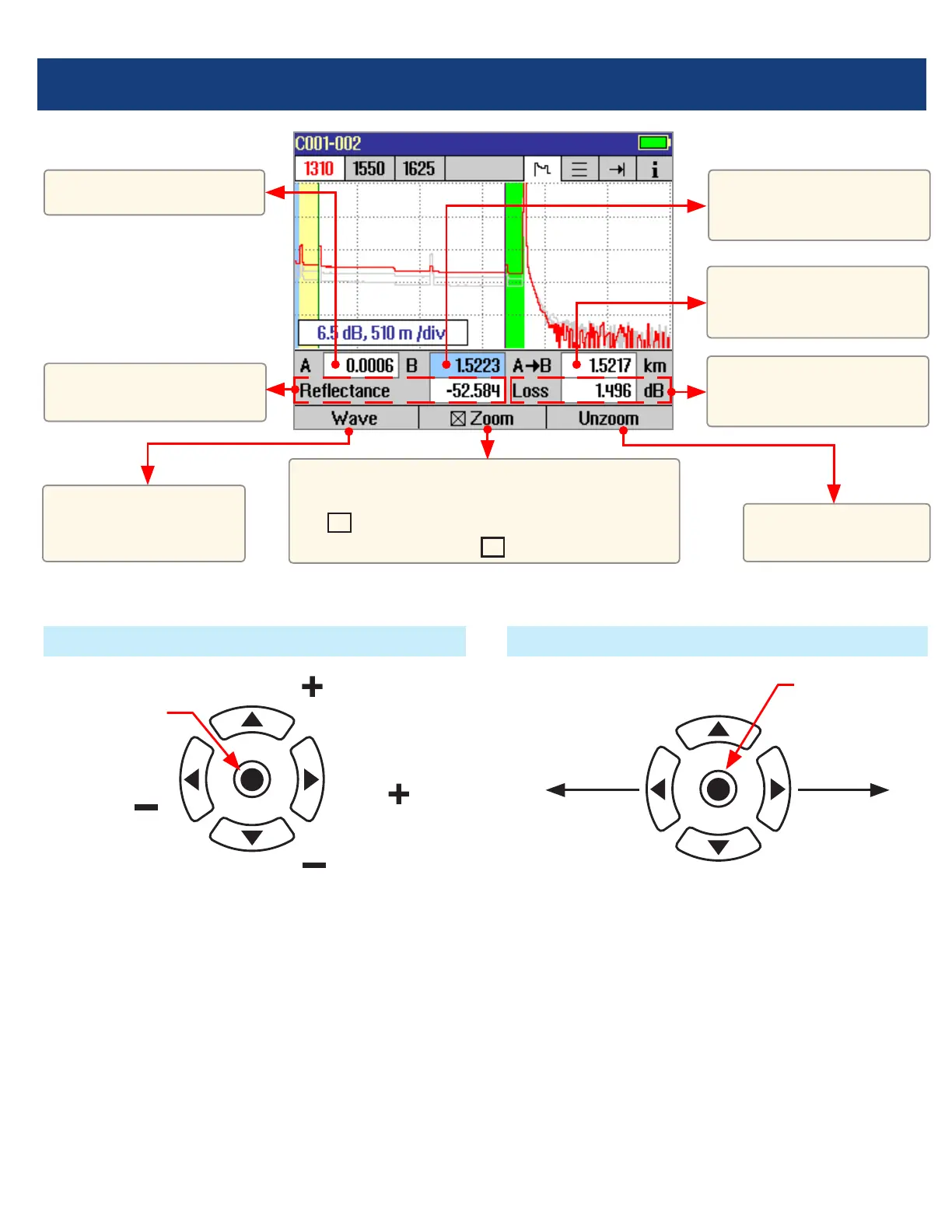
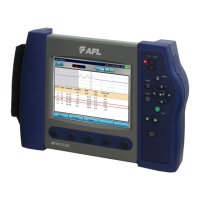
OTDR Mode: Trace Page Features
Navigation Keys
Zoom mode Move mode
Note: Zoom expands/shrinks the trace around the
currently active cursor.
2-point Loss between A
and B cursor.
B cursor location (active
cursor is highlighted).
Distance between A
and B cursor.
For multi-wavelength
tests, press to toggle
active trace.
A cursor location.
Maximum Reectance
between A and B cursor.
Press to toggle Zoom and Move mode. In
Move mode, the key label will be displayed
as [
Zoom]. In Zoom mode, the key label
will be displayed as [
x
Zoom].
Press to Unzoom or
Rezoom.
Left
Move active
cursor
Right
Move active
cursor
A/B cursor
select
Vertical Zoom (
)
Vertical Zoom (
)
Horizontal
Zoom (
)
Horizontal
Zoom (
)
A/B cursor
select



 To Next Page