13
Saving Test Results
File Manager System
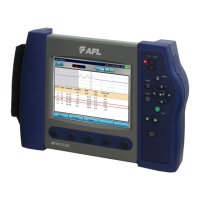
The FLX380 File Manager system consists of four pages:
PAGE NAME DESCRIPTION AND FUNCTION
Jobs Lists the Jobs (folders) stored in the FLX380 internal memory.
Use to open or delete the highlighted job folder.
Cables Lists the Cables (folders) in the currently open Job folder.
Use to open or delete the highlighted cable folder.
Results Lists the OTDR trace (.SOR) les and OPM results (.ATD) les in the currently open Cable
folder. Use to open (view) or delete the highlighted results le.
Save As Lists the current job, the current cable, and the ber number that will be used the next time a
group of traces is saved. Use to save the ‘new’ results created by the most recent test, or the
results most recently opened (recalled from memory).
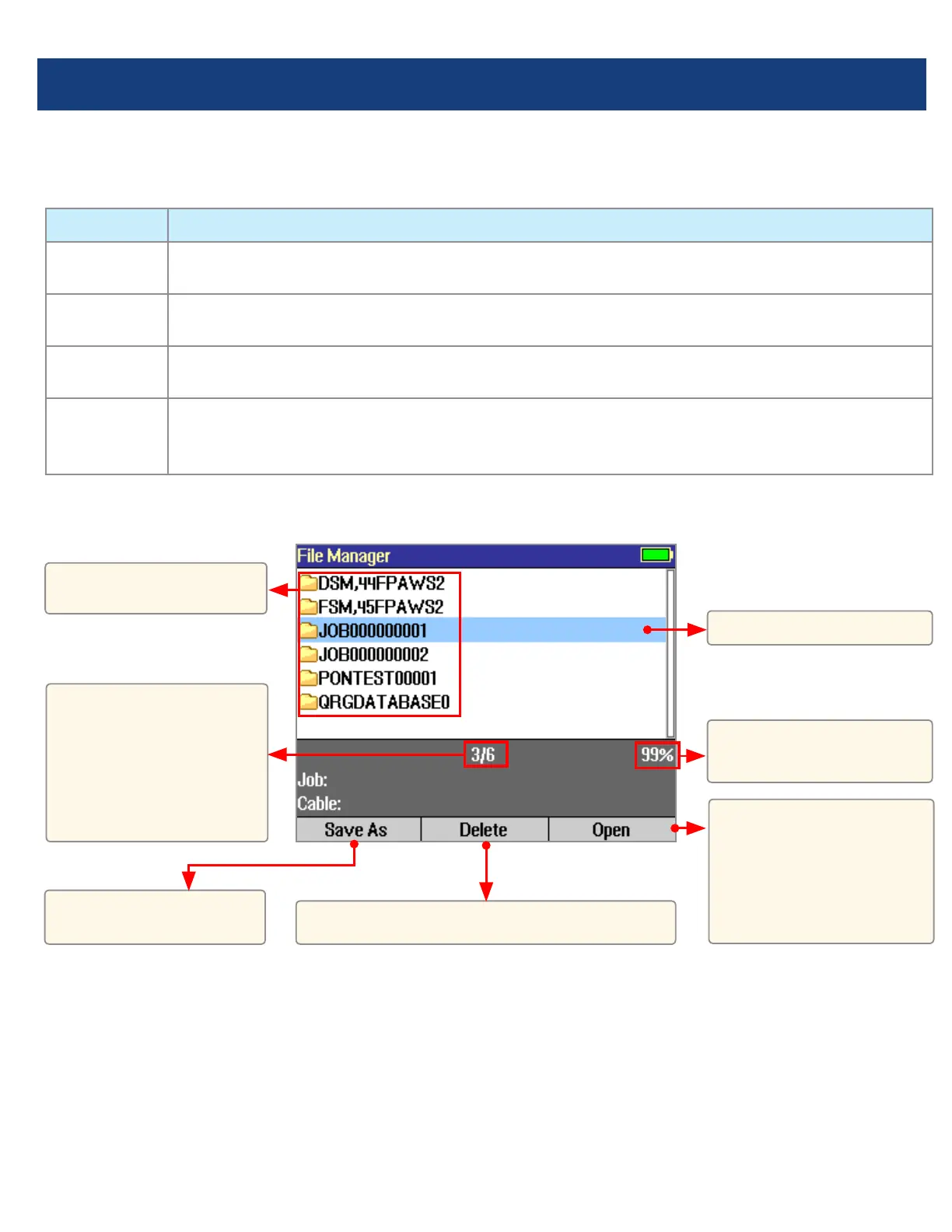
File Manager - Jobs Page
Press to open the
highlighted Job (which
becomes the current
job) and see a list of the
cables stored in this job.
Highlighted Job folder.
Free space
(internal memory).
Press to display the
Save As page.
List of saved Jobs
(folders).
This eld shows X/Y:
X = number of the
highlighted job
Y = total number of
jobs in FLX380 memory.
Press to delete the highlighted Job folder.



 To Next Page