EasyManua.ls Logo

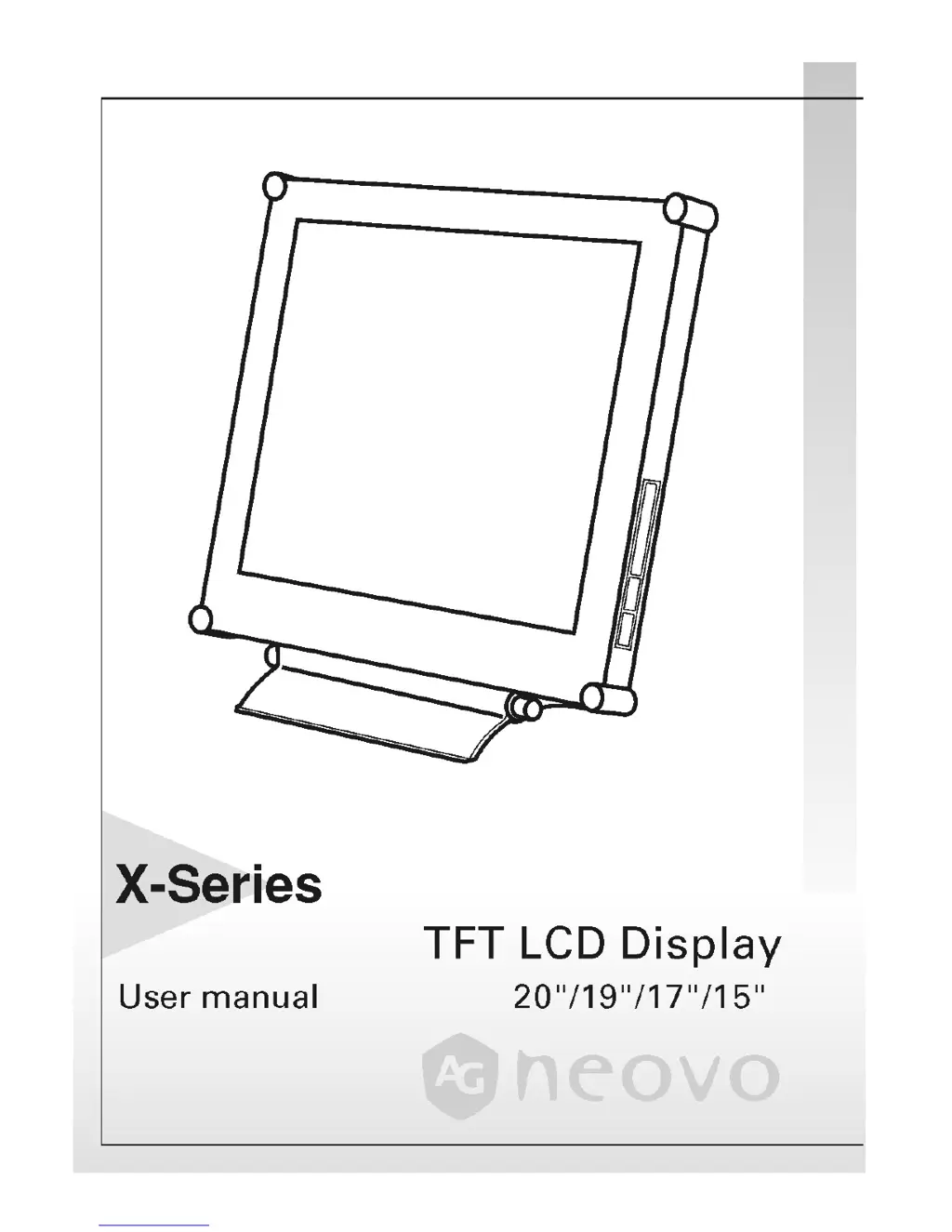
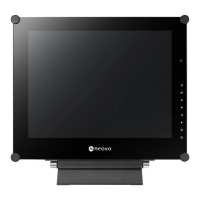
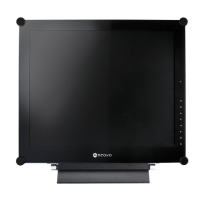
AG Neovo X-15 - User Manual

AG Neovo X-15
28 pages
Print Icon
To Next Page IconTo Next Page
Loading...

Other manuals for AG Neovo X-15

Questions and Answers

  • J
    Jennifer ValenzuelaAug 10, 2025
    What to do if my AG Neovo X-15 has no display?
    • C
      Cynthia TaylorAug 11, 2025
      If your AG Neovo monitor shows no display, check if your PC is in standby mode by moving the mouse or pressing any key. Also, verify that your PC or video source is turned on and that the signal cable is correctly connected.
  • L
    Linda LindseyAug 20, 2025
    Why are the texts not solid on my AG Neovo X-15 Monitor?
    • J
      Joseph SullivanAug 20, 2025
      If the texts on your AG Neovo monitor appear blurry, try changing the resolution of the video signal to 1600 * 1200 (for X-20) or 1280*1024 (for X-19/X-17) or 1024*768 (for X-15). You can also press the (AUTO) button to run the automatic adjustment, or adjust Clock and Phase in the OSD menu to fine tune.
  • C
    crogersAug 30, 2025
    What to do if the screen image is not centered properly on my AG Neovo X-15?
    • C
      cheryljimenezAug 30, 2025
      If the screen image on your AG Neovo monitor is not centered properly, press the (AUTO) button to run the automatic adjustment. Alternatively, adjust H. Position and V. Position to fine tune the screen's placement.

AG Neovo X-15 Specifications

General IconGeneral
Panel TypeTFT LCD
Resolution1024 x 768
Aspect Ratio4:3
Brightness250 cd/m²
Weight3.5 kg
Screen Size15 inches
ConnectivityVGA
Input Connectors15-Pin D-Sub
Power Consumption25W

Related product manuals