- 15 -
Basic Operations
Turning the Power On and Off
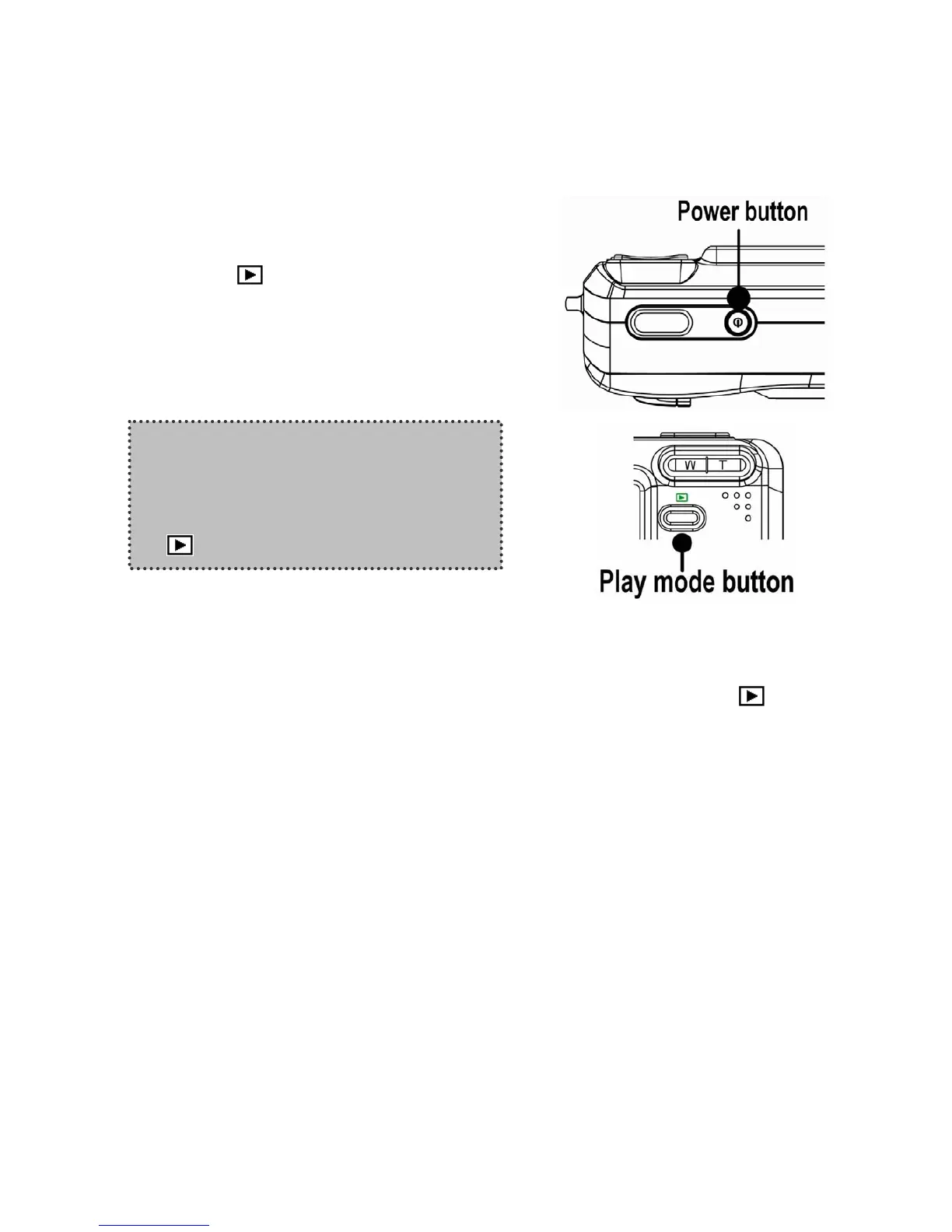
1. Press the POWER button to turn on the
camera in the Record mode. Or you can
press the
button to turn on the camera
in the Playback mode.
2. Press the POWER button again to turn the
power off.
Power Saving Function
If the camera is turned off by Power Save feature, press the POWER or the
button to
turn it on again.
The Power Save feature does not work in the following situation:
Connecting the camera to a computer or printer with the USB cable.
Connecting the camera with the AC adapter (sold separate).
Hint:
You can turn on the camera without the
start-up and operating sound by
pressing and holding the POWER or the
button over 1.5 seconds.












 To Next Page