- 29 -
Setting the Exposure
Set the exposure value manually to compensate for unusual lighting conditions such as
indirect indoor lighting, dark backgrounds, and strong backlighting.
Setting the Metering
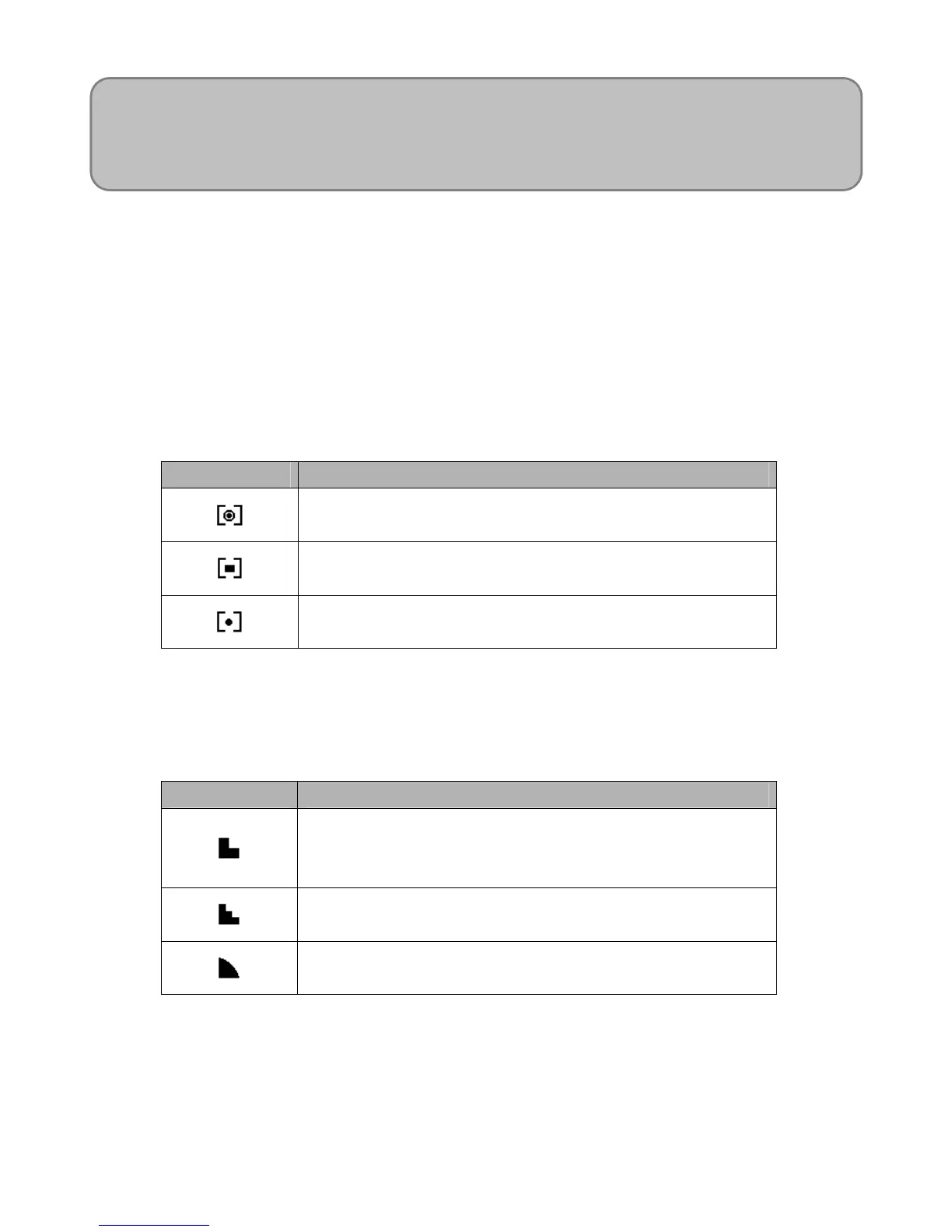
There are 3 different light metering options available on your camera.
Option Description
Light is measured from the entire shooting screen, but
gives more importance to the values near the center.
Selects an exposure based on readings from multiple
points in the subject area
Selects an exposure based on a single reading taken
from the center of your picture.
Setting the Sharpness
You can select whether you want the image to have sharp or soft outlines.
Option Description
The edges of the image are emphasized. The edges will
become sharp, but noise may occur in the recording
image.
The edges of the image are sharp. This is suitable for
printing.
The edges of the image are softened. This is suitable for
editing images on PC.
NOTE:
Higher ISO speeds increase the image noise. To take clean images, use as low an ISO
speed as possible.












 To Next Page