16 17
Turning On/Off
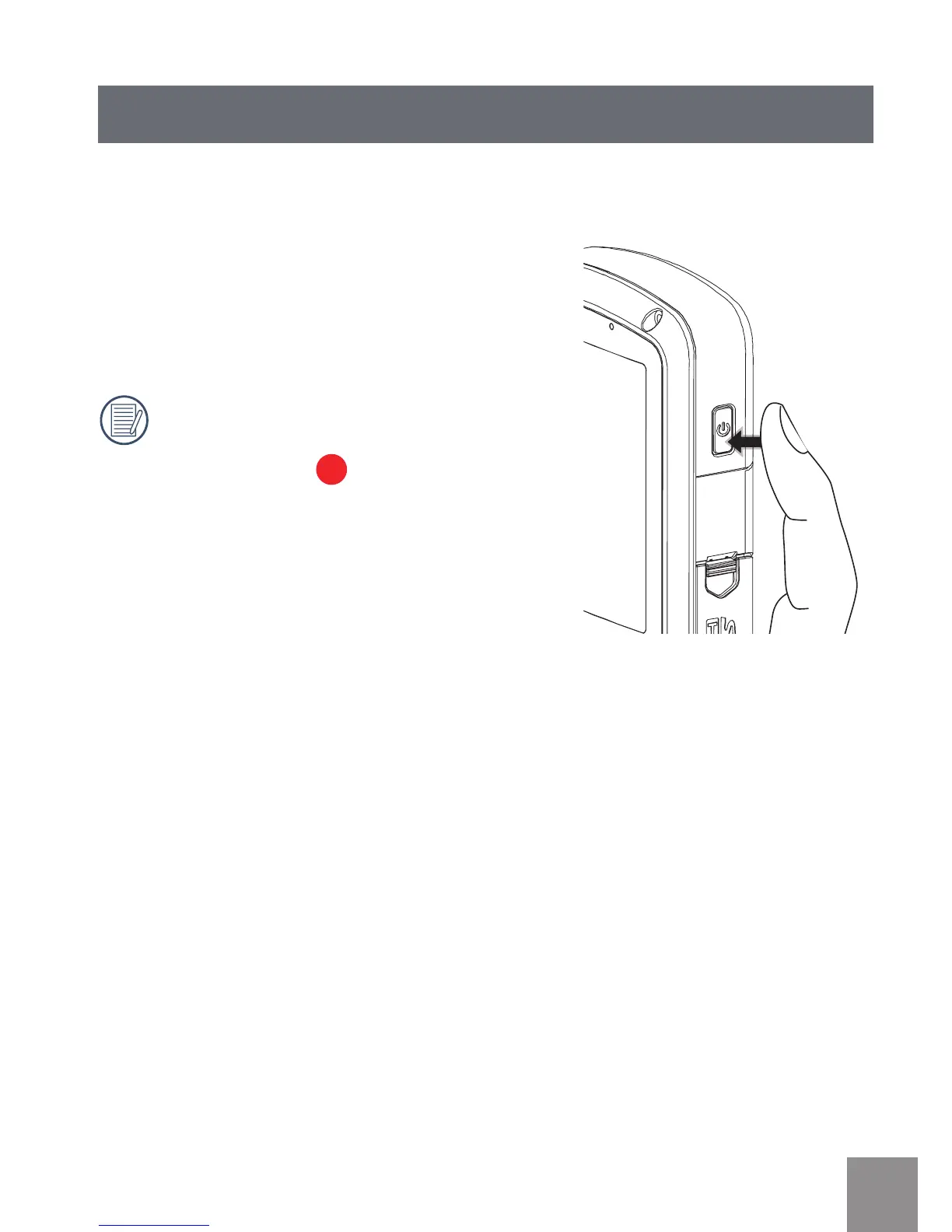
Press the Power button to turn the video camera on/off.
When the power is off, press the Power button
for to turn the video camera on.
When the power supply is on, press the Power
button for to turn the video camera off.
If there is no response on the video
camera, press and hold the power
button and the
button for at least
two seconds to reset and power off.



 To Next Page