32 3333
Quality
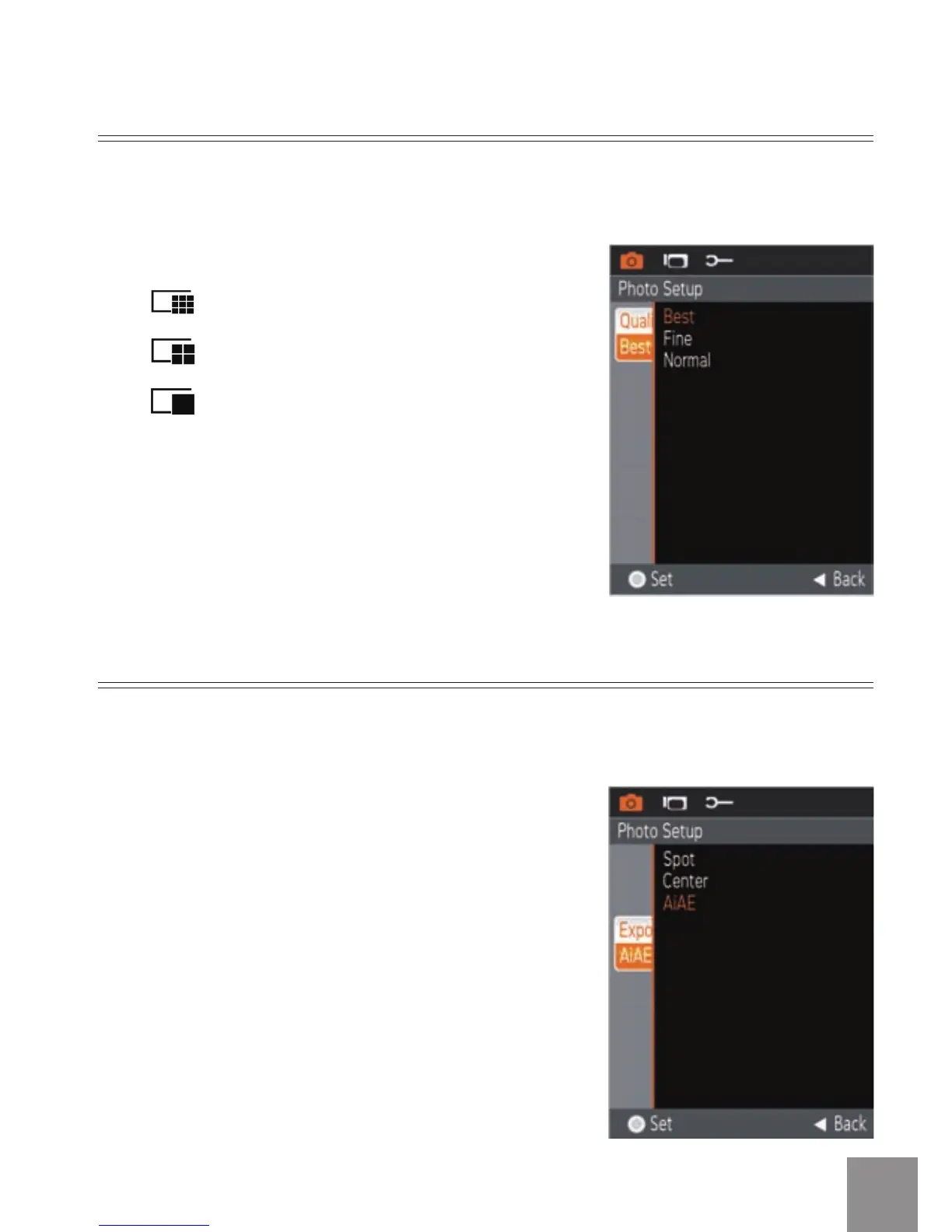
There are three options for Image Quality:
Quality: Best
Quality: Fine
Quality: Normal
The
image quality
menu adjusts the compression ratio of the images. Higher
quality settings give better photos, but will take up more memory space.
Exposure Metering
There are three options for Exposure Metering:
•
Exposure Metering: Spot - this uses one
point in the frame, usually the center
of the frame, to determine correct
exposure.
•
Exposure Metering: Center - this uses
the center of the frame to determine
correct exposure.
•
Exposure Metering: AiAE - this
uses multiple areas of the frame
to "intelligently" determine correct
exposure.
This specifies the area of the picture that the camera uses to correctly
expose the picture.



 To Next Page