4848 49
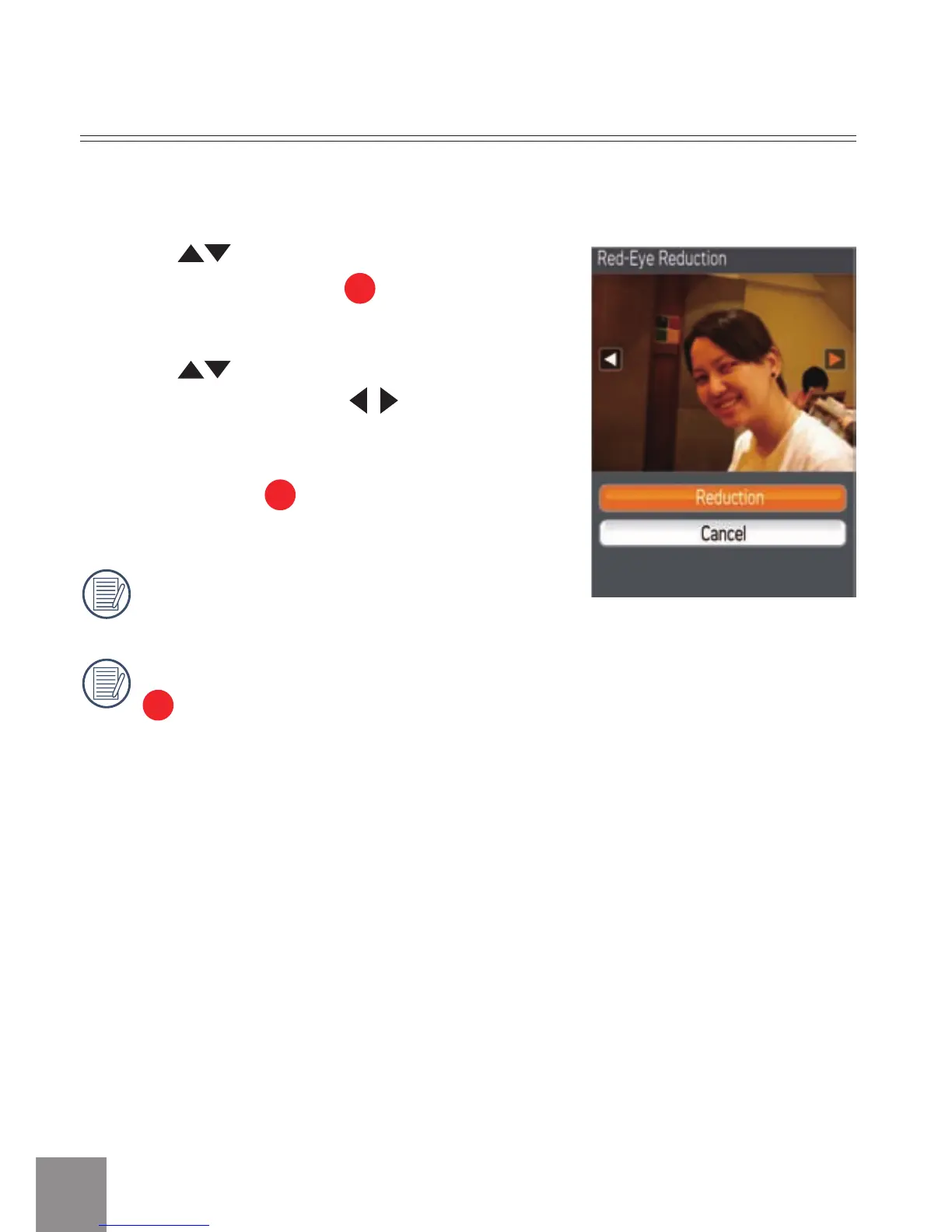
Red Eye Removal
1. Press button to select
Red Eye
Removal
option, press
button to enter
the setup interface.
2
. Press
button to remove or cancel to
return the menu; press
button to select
a photo.
3
. After pressing
button, the original file will
be overwritten.
Red eye reduction does not work for video
files.
If there is no red eyes in the image, press
button after selecting “Remove”, such
prompt will appear on the screen: red eye
is not detected!
Use Red Eye Removal function to remove red-eyes in your photos.



 To Next Page