41
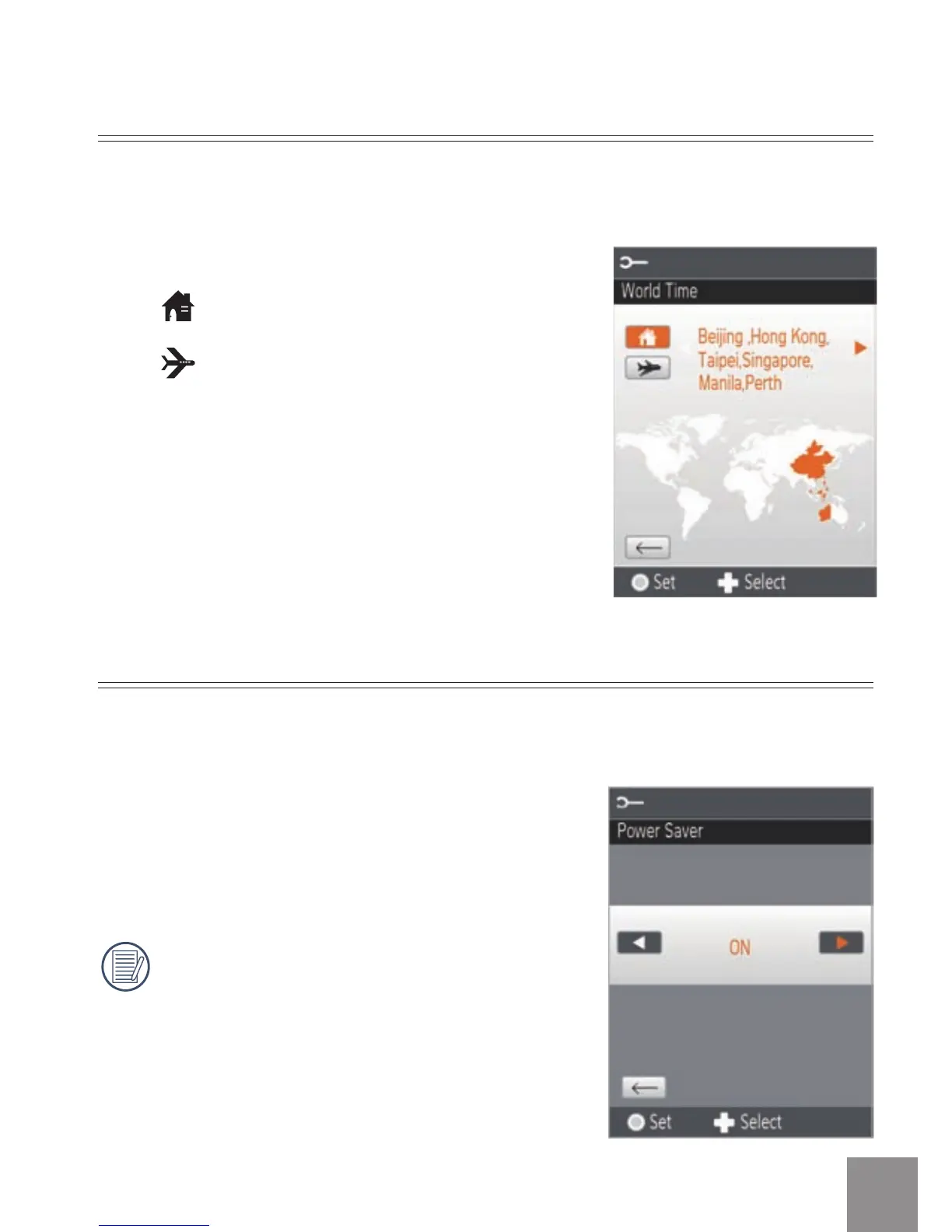
World Time
There are two options in
World Time
:
•
Location
•
Travel Target
When overseas, adjust the
World Time
setting to the time zone of the city
nearest you.
Power Saver
The
Power Saver
function has two options:
•
ON
•
OFF
When power saving function is turned
on, the screen will automatically turn off
after one minute and the video camera
will automatically turn off after three
minutes.
Use the
Power Saver
function to prolong battery life between charges.



 To Next Page