20 21
BASIC OPERATION
Movie Recording
1. Press
Power
button to turn the video camera on.
2. Press
button to begin taking video.
3. Press
button to end the video shooting.
This function can take movies.
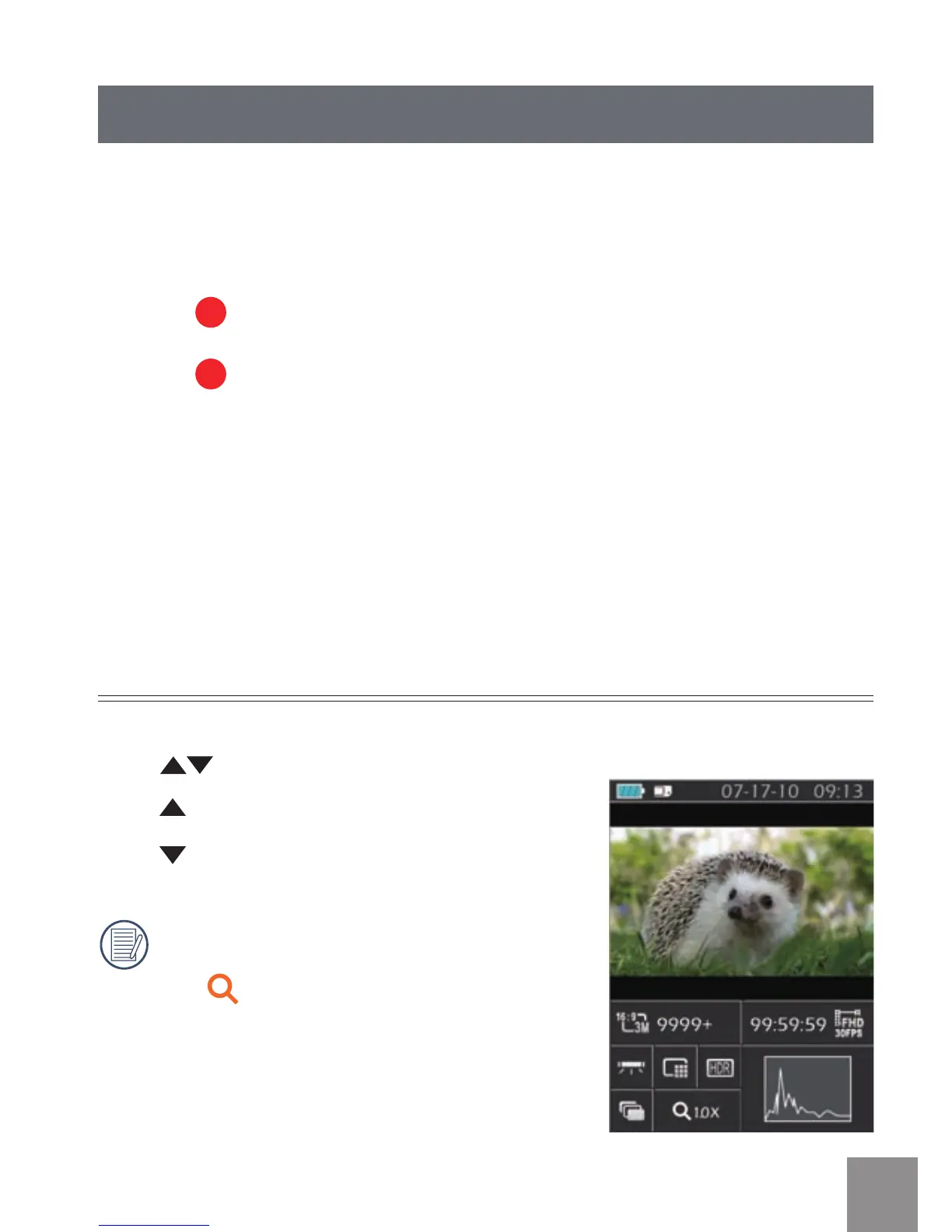
Zoom Function
Press button to zoom in or zoom out:
•
:
Digital Zoom in
•
:
Digital Zoom out
In the process of digital zoom changing,
digital zoom is displayed as an orange
icon
.



 To Next Page