30
Screen Display in the Playback Mode
Pressing button to display the following modes (the picture is displayed in
horizontal position):
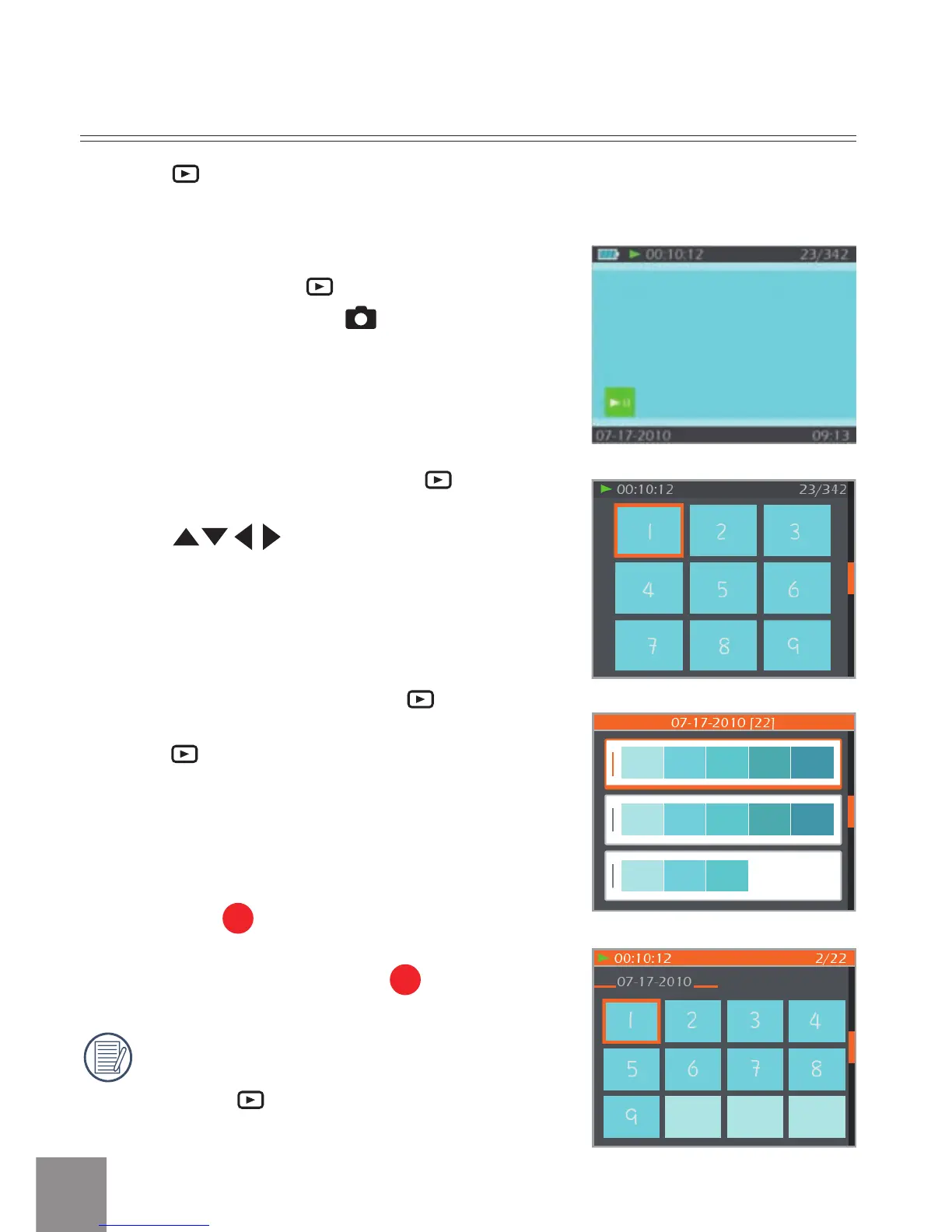
Playback screen:
When shooting, press
button to return to
the Playback mode; press
button to return
to the Shooting screen.
Thumbnail:
When in the playback mode, press
button,
3x3 thumbnails will display on the screen,
pressing
button to select the photo
or video to be viewed.
Date Folder:
When in Thumbnail mode, press
button, the
thumbnails will be sorted per shooting date;
or press
button to return to the Playback
screen.
Date Folder Thumbnail:
With the Date Folder is displayed on the
screen, press
button to enter the Date
Folder Thumbnails (only photos in the Date
Folder are displayed); or press
again to
return to the Playback screen.
When
3X3 Thumbnail and Date Folder
Thumbnail display on the screen,
pressing
button can enter date
folder screen.



 To Next Page