47
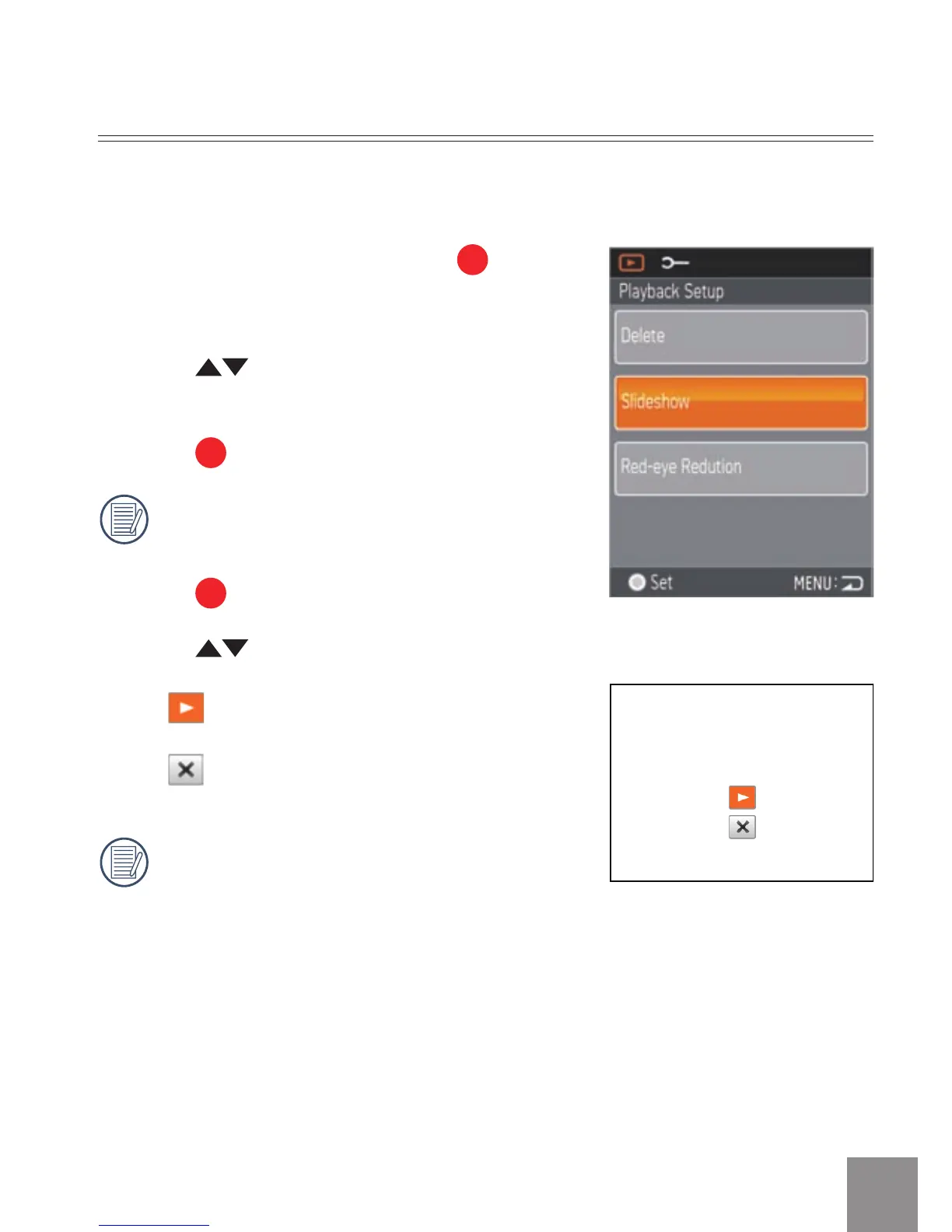
Slide Show
1. Select
Slide Show
option, press button
to save the setting value to enter the
function selection interface.
2
. Press
button to select Start or
Cancel to return the menu.
3
. Press
button to start playing.
Only Horizontal mode is used for slide
playing.
4.
Press
button again to stop playing.
5. Press
button to select:
•
Continue to Start
•
Return to the Playback screen
The default playing interval time of slide
is
3 seconds.
This function displays images in sequence at regular intervals (internal
memory card or storage).



 To Next Page