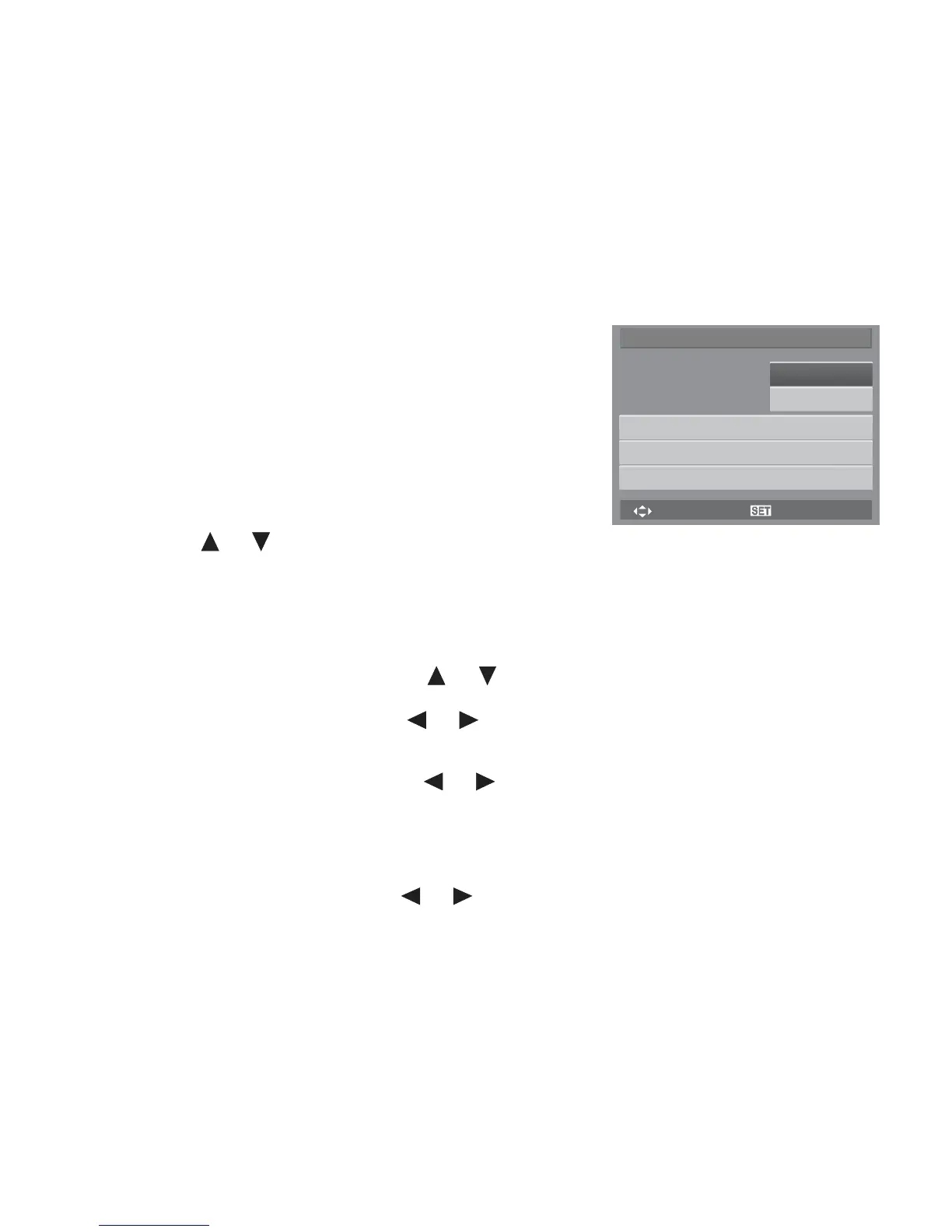
The Slideshow function allows you to view all stored photos/videos in still image format in a
continuous sequence.
To
view
slideshow:
1. From the Playback menu, select Slideshow. The
Slideshow menu appears.
2. Set the slideshow settings.
Slide Show
Start
Cancel
3. Select Start, then press the SET button to start the
slideshow.
4. During slideshow, press the SET button to pause
slideshow.
5. Use the or keys t to move through the options.
Select whether to Continue or Exit the slideshow.
6. Press the SET button to apply selected option.
To
change
slideshow
settings:
Interval
Transition
Repeat
Select
1
sec.
Horizontal
Yes
OK
1. From the Slideshow menu, use the or keys to move through the selections.
2. Select Interval setting. Press the or keys to adjust. Choose among the available
interval settings: 1 sec., 3 sec., 5 sec., and 10 sec.
3. Select Transition setting. Press the or keys to adjust. Choose among the available
transition settings:
• Horizontal • Shrink • Fade • Random
4. Select Repeat setting. Press the or keys to adjust. Available settings are: Yes, No.













 To Next Page