62
Delete
The Delete function lets you remove unwanted files in the internal memory or on the memory
card. Protected files cannot be erased, to delete, unprotect the file first. See “Protect” on
page 65.
To delete a photo/video/audio clip:
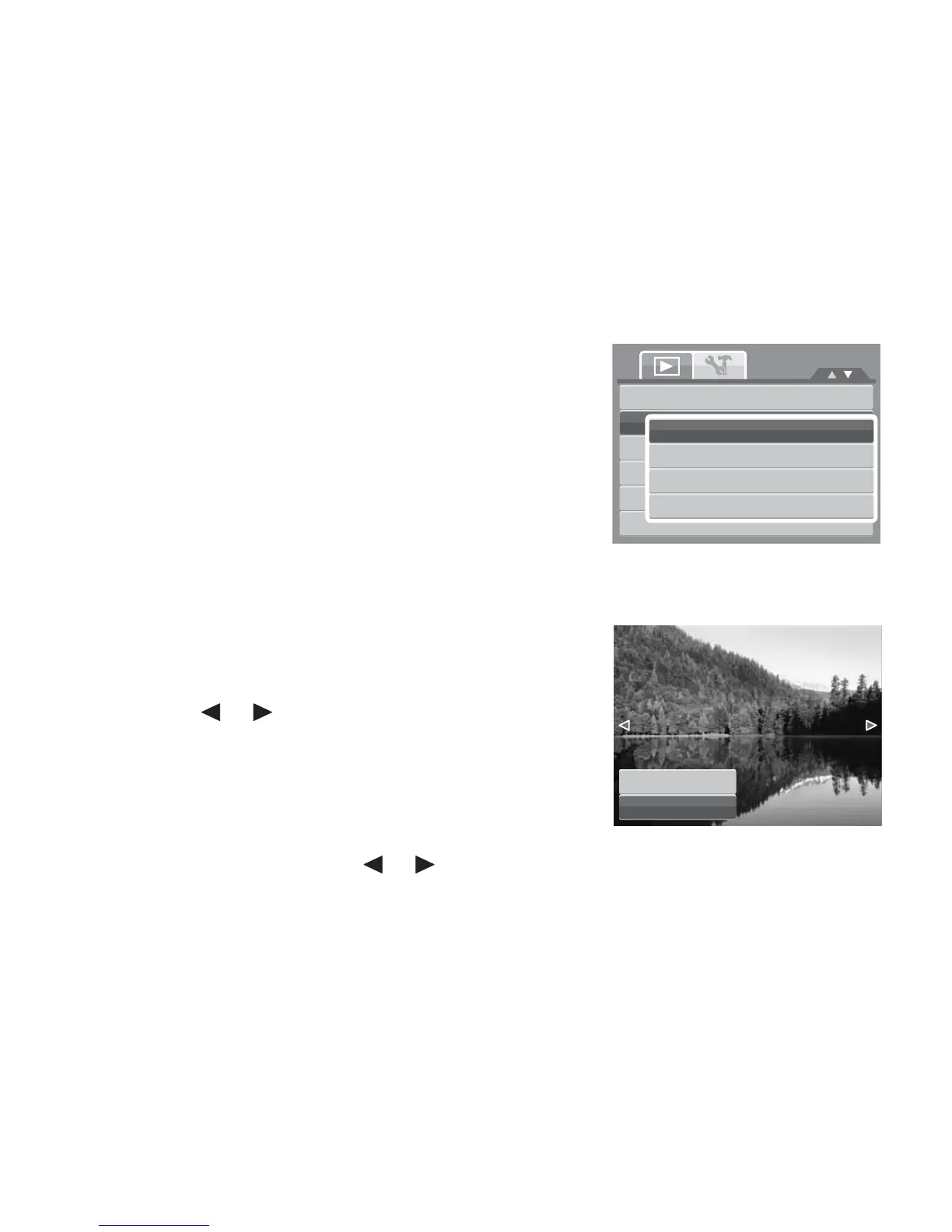
1. From the Playback menu, select Delete.
2. The Delete submenu is displayed on the LCD monitor.
Select available settings:
• Single. Select one file to delete.
• Voice Only. Delete only the attached voice
memo, the image is retained in the memory.
• Multi. Select multiple files to delete at the
same time.
• All. Delete all files.
To delete a single file:
1. Select Single in the Delete submenu, the images are
displayed on the LCD monitor in single navigation
mode.
2. Use the or keys to scroll the display.
3. When the desired image/video/audio clip is displayed
on the LCD monitor, select Delete.
4. Press the SET button to delete.
5. The next image is displayed on the LCD monitor. To
delete another file, use the or keys to scroll through the images/videos/audio clips.
Repeat steps 3 to 7.
6. To close the Delete function and go back Playback menu, select Cancel.













 To Next Page