AgfaPhoto OPTIMA 108 / OPTIMA 145 AgfaPhoto OPTIMA 108 / OPTIMA 145
28 29
AgfaPhoto OPTIMA 108 / OPTIMA 145 AgfaPhoto OPTIMA 108 / OPTIMA 145
In the "ASCN" mode, different recording conditions are
detected intelligently and the most suitable settings will be
automatically selected. With "ASCN" you can always take
good pictures easily.
To use "ASCN":
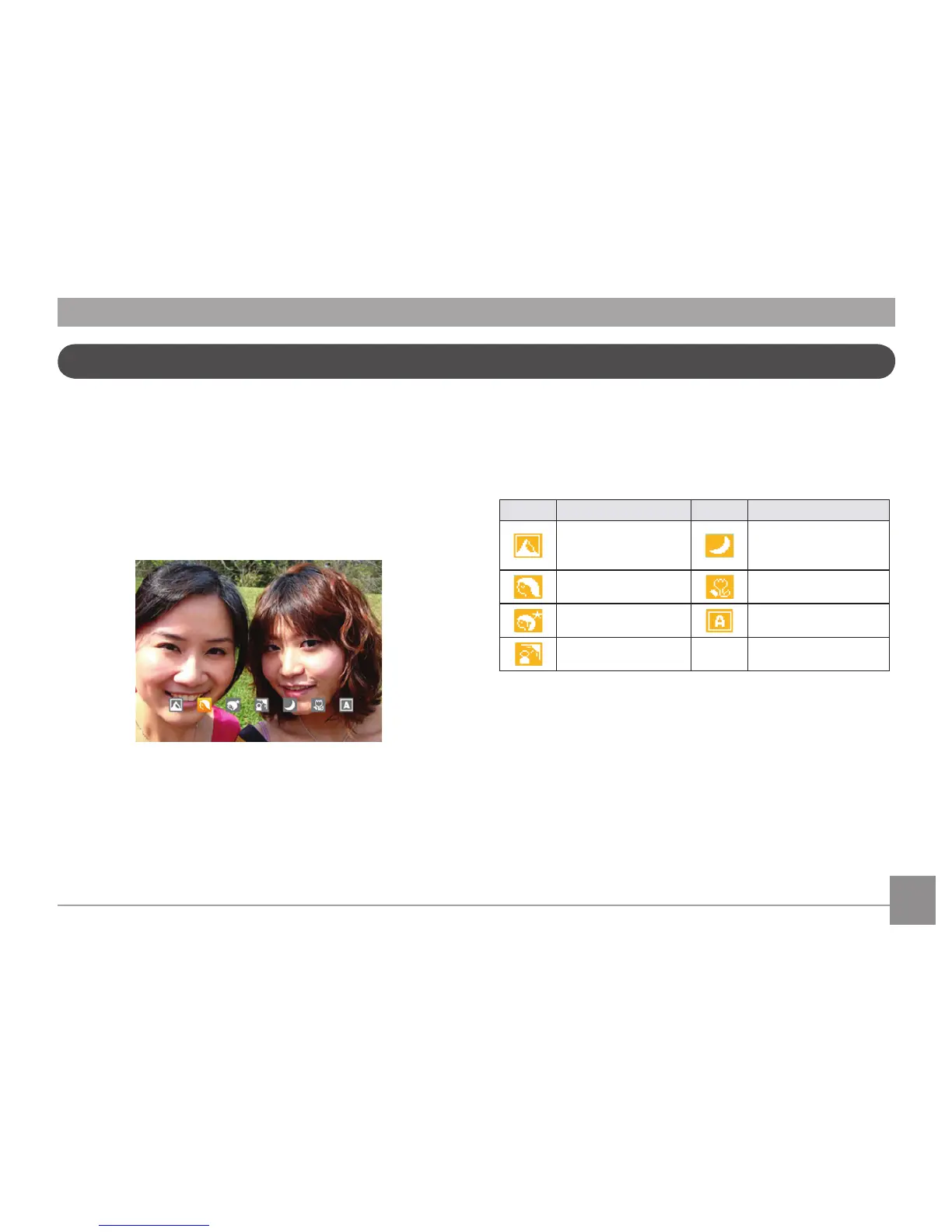
1. Press the Mode button to select ASCN mode, the LCD
screen will display the following:
2. Hold the camera steadily and aim at the subject. The
optimum scene mode will be identified automatically.
3. Press the Shutter button halfway down to focus.
4. Press the Shutter button all the way down to take the
picture.
Icon
Mode name Icon Mode name
Landscape Mode
Night Landscape
Mode
Portrait Mode Macro Mode
Night Portrait Auto Mode
Backlit Portrait
Landscape Mode
For landscapes, ASCN will automatically adjust the
exposure to match the background.
Portrait Mode
For portraits, ASCN will automatically adjust the exposure
and skin tones resulting in more natural looking photos.
ASCN mode














 To Next Page