36 37
AgfaPhoto OPTIMA 108 / OPTIMA 145 AgfaPhoto OPTIMA 108 / OPTIMA 145
36 37
Face Detection
Blink Detection
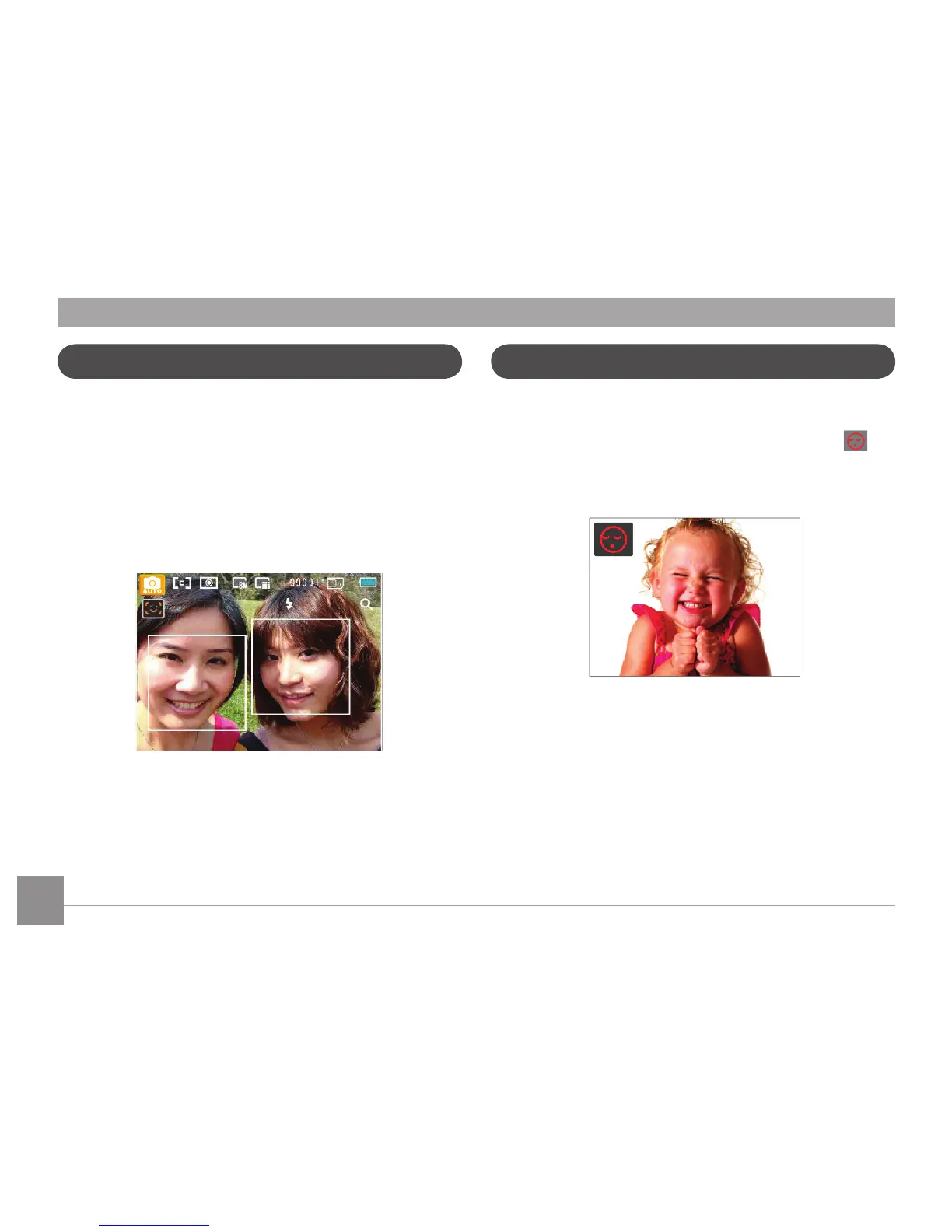
This function automatically detects facial features and
directs the camera to focus on them.
In face detection mode, press the shutter button halfway
and the camera will automatically detect faces and display a
rectangular focus frame around them. The focus frame will
turn green to indicate that the face or faces are in focus.
Press the shutter button the rest of the way to take the
picture.
Blink Detection is enabled automatically under normal
shooting conditions. When shooting, if a human face is
detected with closed eyes, the blink detection icon (
)
will appear on the screen to indicate that a blink has been
detected.




 To Next Page