45
AgfaPhoto OPTIMA 108 / OPTIMA 145 AgfaPhoto OPTIMA 108 / OPTIMA 145
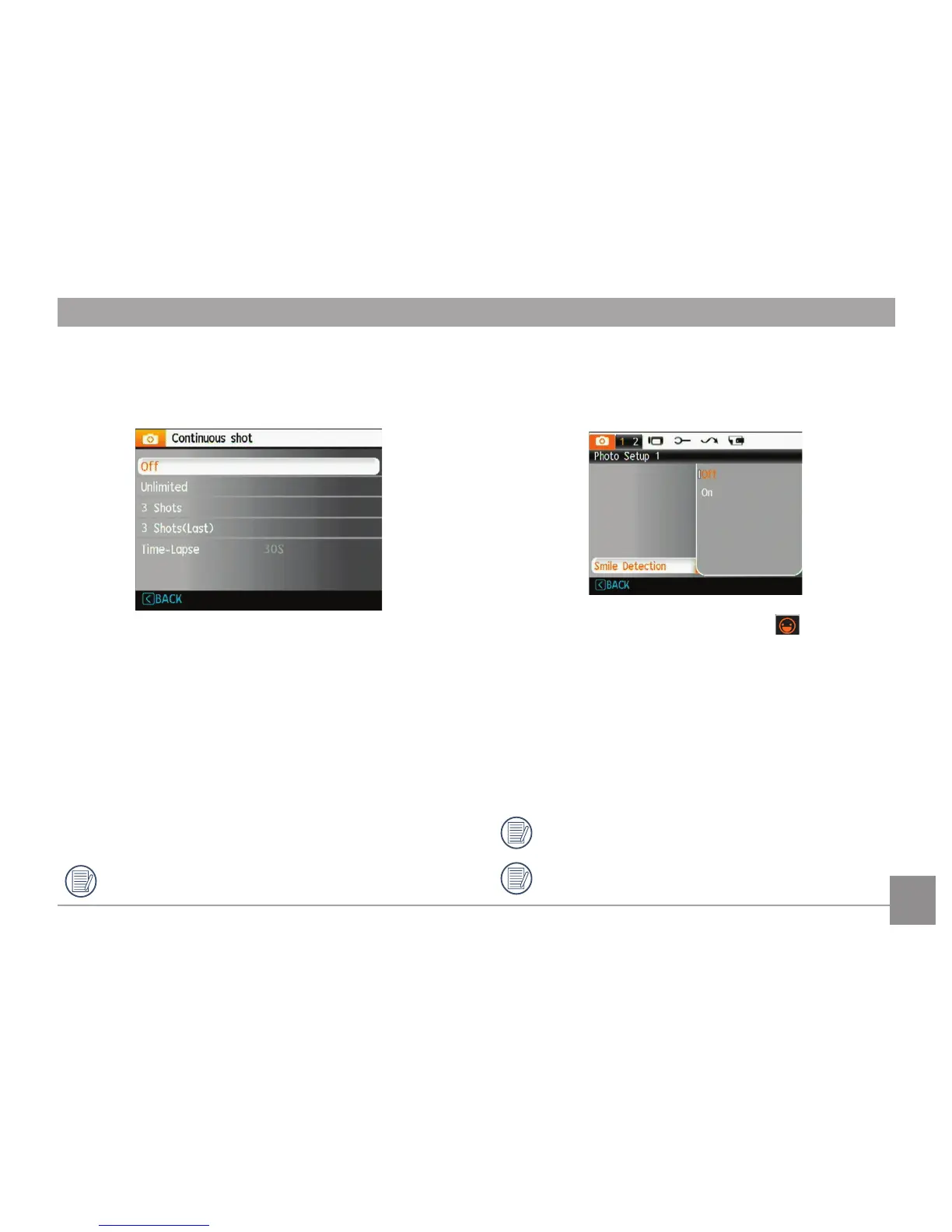
Continuous Shot
Use this setting to perform continuous shooting. After
entering this mode, you can shoot multiple images by
pressing and holding down the shutter button.
There are five available options:
•
Off: Turn off the Continuous Shot function.
• Unlimited: Press and hold the shutter button to shoot
continuously until you release the shutter button, or
run out of space on the memory card.
•
3 shot: Capture up to 3 consecutive pictures.
•
3 shots (Last): Capture pictures continuously until the
Shutter button is released. Only the last 3 shots will
be recorded.
•
Time-Lapse: Automatically capture pictures in a
predefined interval.
The flash is dissabled in this mode in order to enable
quick succession of shots.
Smile Detection
With the camera's new "Smile Detection" feature, which
automatically detects and captures a person smiling, you'll
never miss a smile.
1. When smile detection is enabled, the ( ) icon will
display on the LCD screen.
2. Point the camera towards the subject, when the camera
identifies a human face, a white focusing frame will
appear around the face on the screen. Press the shutter
button completely, then release. The camera will “wait
for” a smiling face.
3. When the subject smiles, the camera will automatically
release the shutter and capture the photo.
4. If you want to stop smile shooting function, please
press Shutter button.
A face must be detected by the camera in order for
smile detection to function correctly.
For optimal detection results, the subject should be
framed to occupy most of the screen space.














 To Next Page