13
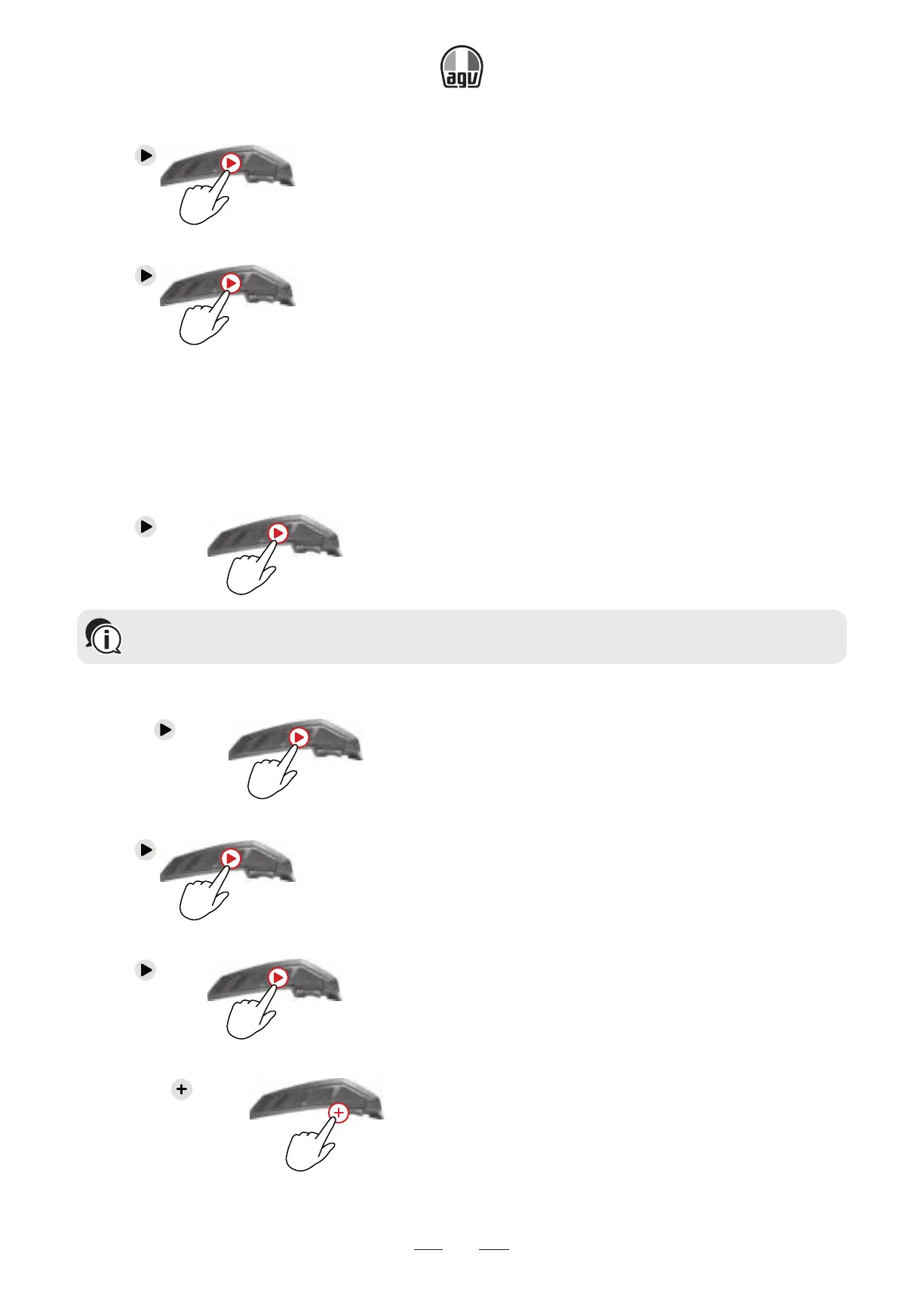
To skip to the next track (while streaming):
• Tap
x1
or say "Hey Cardo, next track."
To skip to the previous track (while streaming):
• Tap
x2
or say "Hey Cardo, previous track."
3.4 LISTENING TO FM RADIO
The INSYDE is equipped with a built-in FM radio.
To turn on the FM radio:
• Tap
twice
x2
or say "Hey Cardo, radio on."
When you switch on your FM radio, the station that was playing when you last switched off
resumes playing.
To turn the FM radio off:
• Press
for 2"
2"
or say "Hey Cardo, radio off."
To skip to the next station:
• Tap
x1
or say "Hey Cardo, next station."
To skip to the previous station:
• Tap
twice
x2
or say "Hey Cardo, previous station."
To scan for and select a station:
1. Press for 2".
2”
→ The FM radio plays each station that it finds for several seconds.


 To Next Page