30
6.1 SETTING THE DEFAULT MOBILE PHONE
If you paired your unit to two mobile phones, you must set one of them as the default phone for
outgoing calls.
If you do not set a default phone, the phone that you first paired with your unit is automat-
ically set as the default phone.
To switch from between intercom modes:
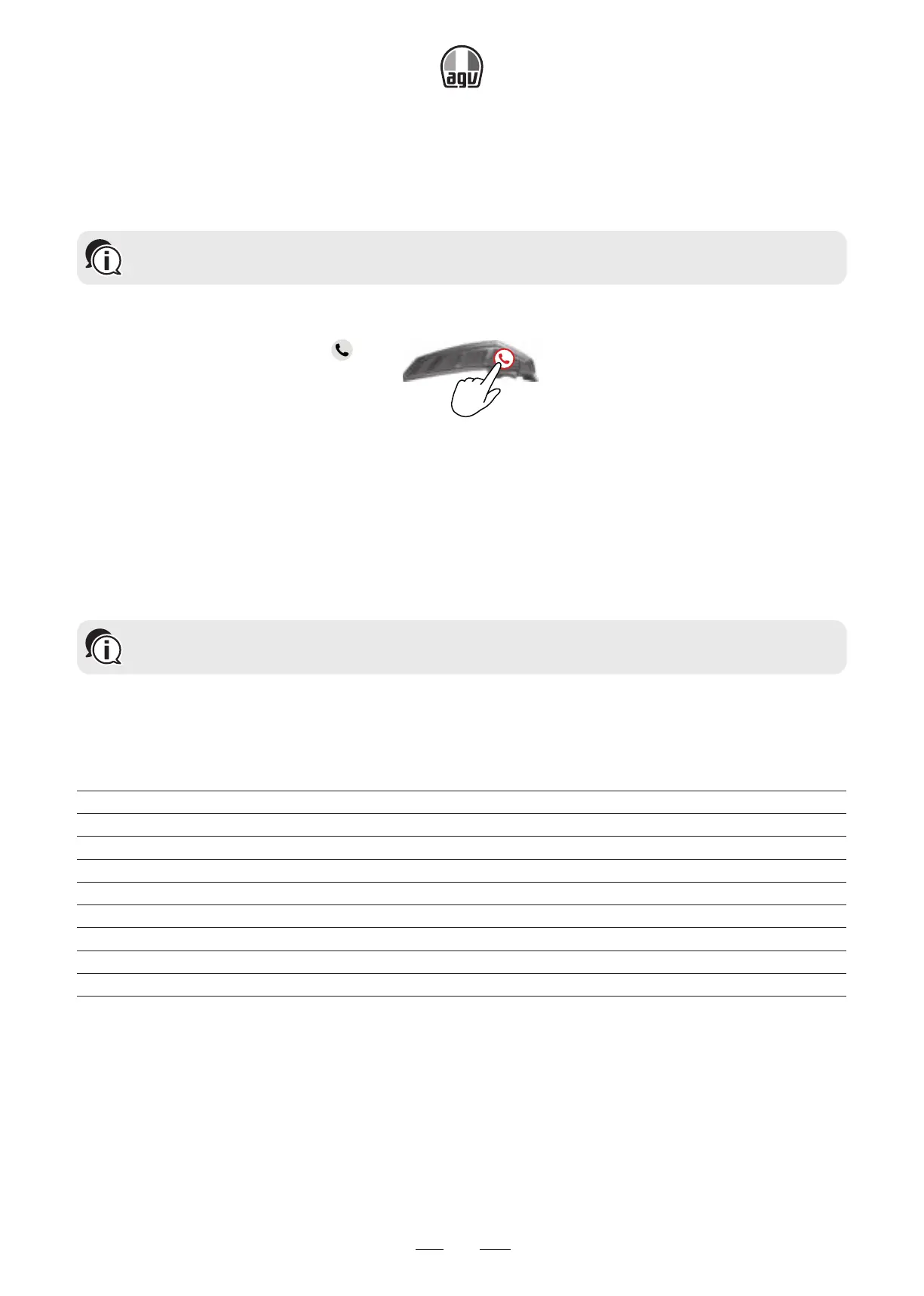
• During a mobile call, press for 5".
5"
6.2 USING PARALLEL AUDIO STREAMING
With parallel audio streaming, you can hear GPS instructions during a mobile or Bluetooth
®
inter-
com call, or while listening to other audio sources, such as music or FM radio.
Parallel audio streaming may not work properly with some iOS devices (i.e., music player
or GPS navigator) due to connected device limitations.
Your INSYDE sets the various audio sources to either foreground (volume remains the same) or
background (volume reduced) as described in the following table:
Mobile Phone 1/2
GPS Intercom 1 Intercom 2 Music FM Radio
Foreground Foreground
Foreground
(1)
Foreground
(1)
Foreground Foreground
Foreground Background
Foreground Background
Foreground Background
Foreground Background
Foreground
(2) (3)
Foreground
(2) (3)
Background
Foreground
(4)
Foreground
(5)
(1)
If you add an intercom call to a mobile phone call creating a conference call, the volume for
both audio sources is the same.
(2)
If you make two intercom calls simultaneously creating an intercom conference call, the vol-
ume for both audio sources is the same.
(3)
If you make two intercom calls simultaneously creating an intercom conference call, you can-
not hear the mobile phone or GPS.


 To Next Page