25
4.3 SHARING MUSIC AND RADIO
You can share music and FM radio with a passenger or other rider. Music sharing is more suitable
for rider/passenger combinations, whereas FM radio is also intended for rider/rider combinations.
You can share music only in Bluetooth
®
intercom mode.
Music and radio can be shared with only one passenger/rider.
Bluetooth
®
intercom calls are disabled when sharing music.
FM radio sharing opens a Bluetooth
®
intercom call automatically.
If you paired your unit to two mobile phones, music will be shared from the mobile phone
through which you last played music.
When sharing FM radio, either passenger/rider can change station while the Bluetooth
®
intercom call remains open.
When you stop sharing FM radio, the Bluetooth
®
intercom call remains open and the FM
radio continues to play independently on each passenger/rider's unit.
When stop music sharing, music continues on your unit only.
To start or end communication with Rider 2:
1. Confirm your INSYDE is in Bluetooth
®
intercom mode (LED flashes blue slowly).
If your INSYDE is not in
Bluetooth
®
intercom mode, press and
.
2. Start playing music or the FM radio.
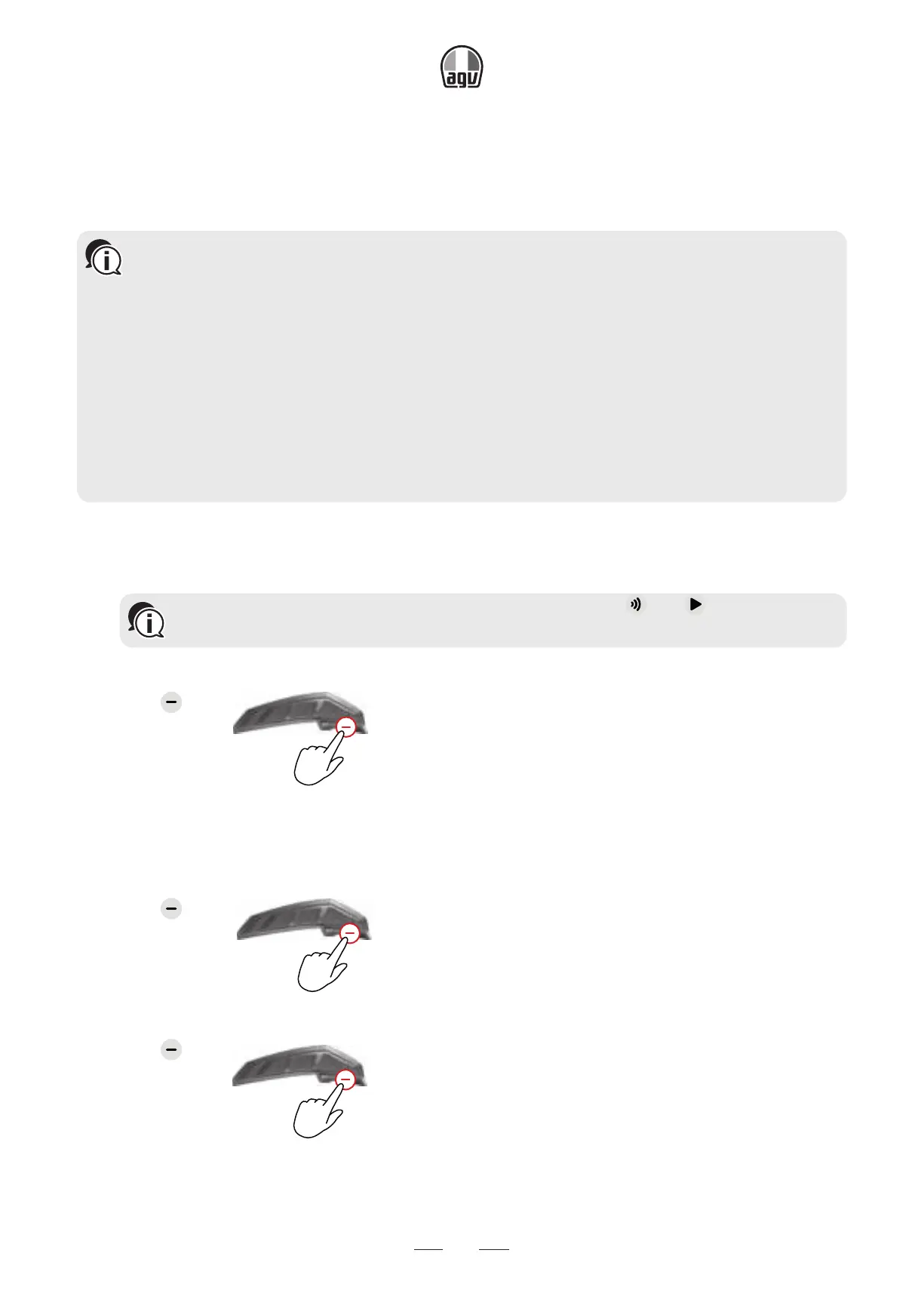
3. Press for 2"
2”
to start sharing on Channel A (by default).
To manually select the channel on which to share music or radio:
1. Start playing music or the FM radio.
2. Start a Bluetooth
®
intercom call on either channel (A or B).
3. Press for 2".
2”
To stop sharing:
• Press for 2".
2”


 To Next Page