27
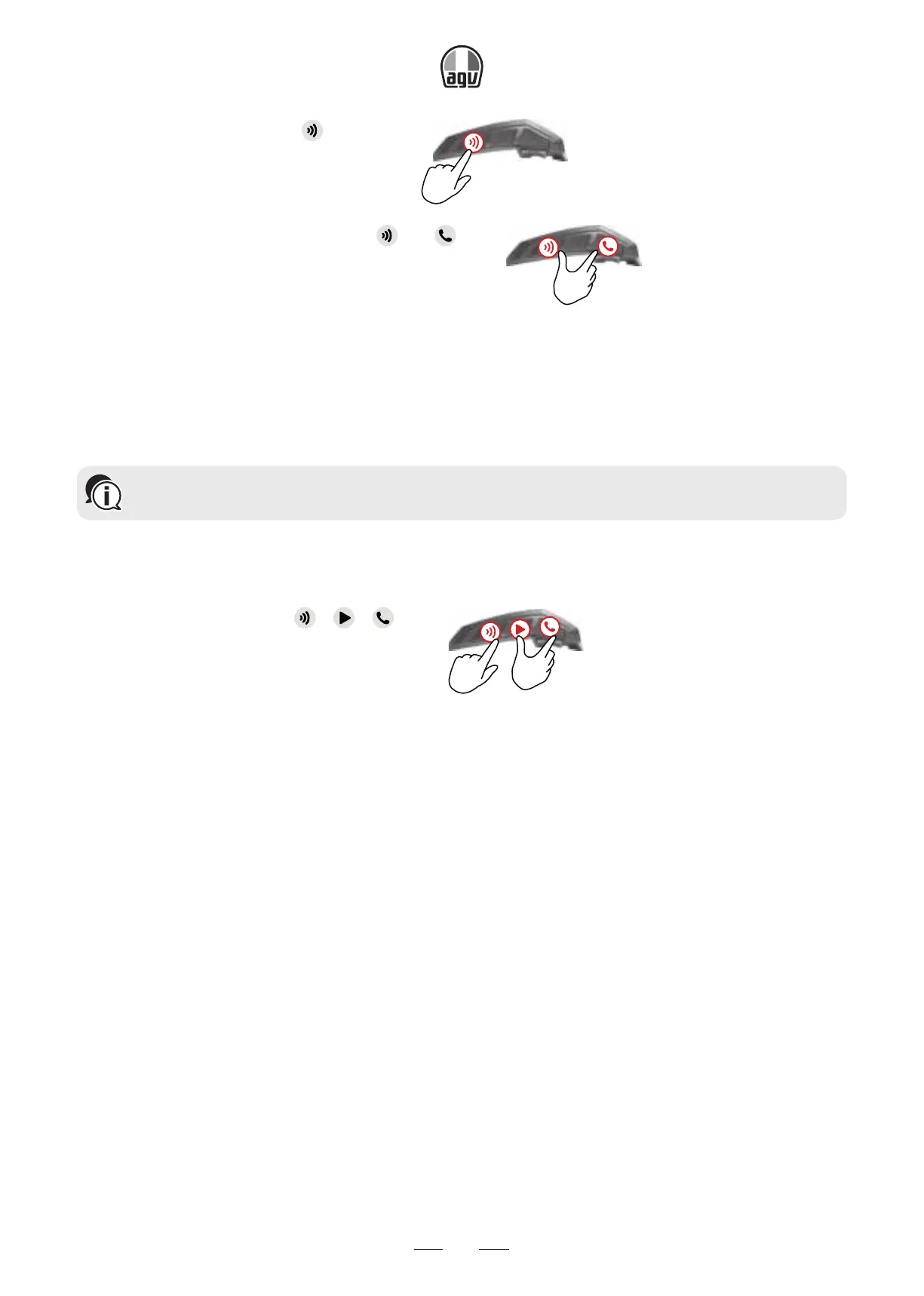
2. While in standby mode, press for 5".
5”
3. When the LED flashes red, press and for 2".
2"
→ The LED flashes purple 5 times slowly, confirming that pairing has been reset.
5.3 RESET TO FACTORY SETTINGS
This option deletes all paired units and devices.
To reset the factory settings:
1. Check that your INSYDE is in Standby (see INSYDE LED Indications).
2. Simultaneously press + + for 5".
5”
5.4 FAQ
Additional answers to common problems can be found at:
https://www.cardosystems.com/support/


 To Next Page