7
2.3 SWITCHING ON/OFF
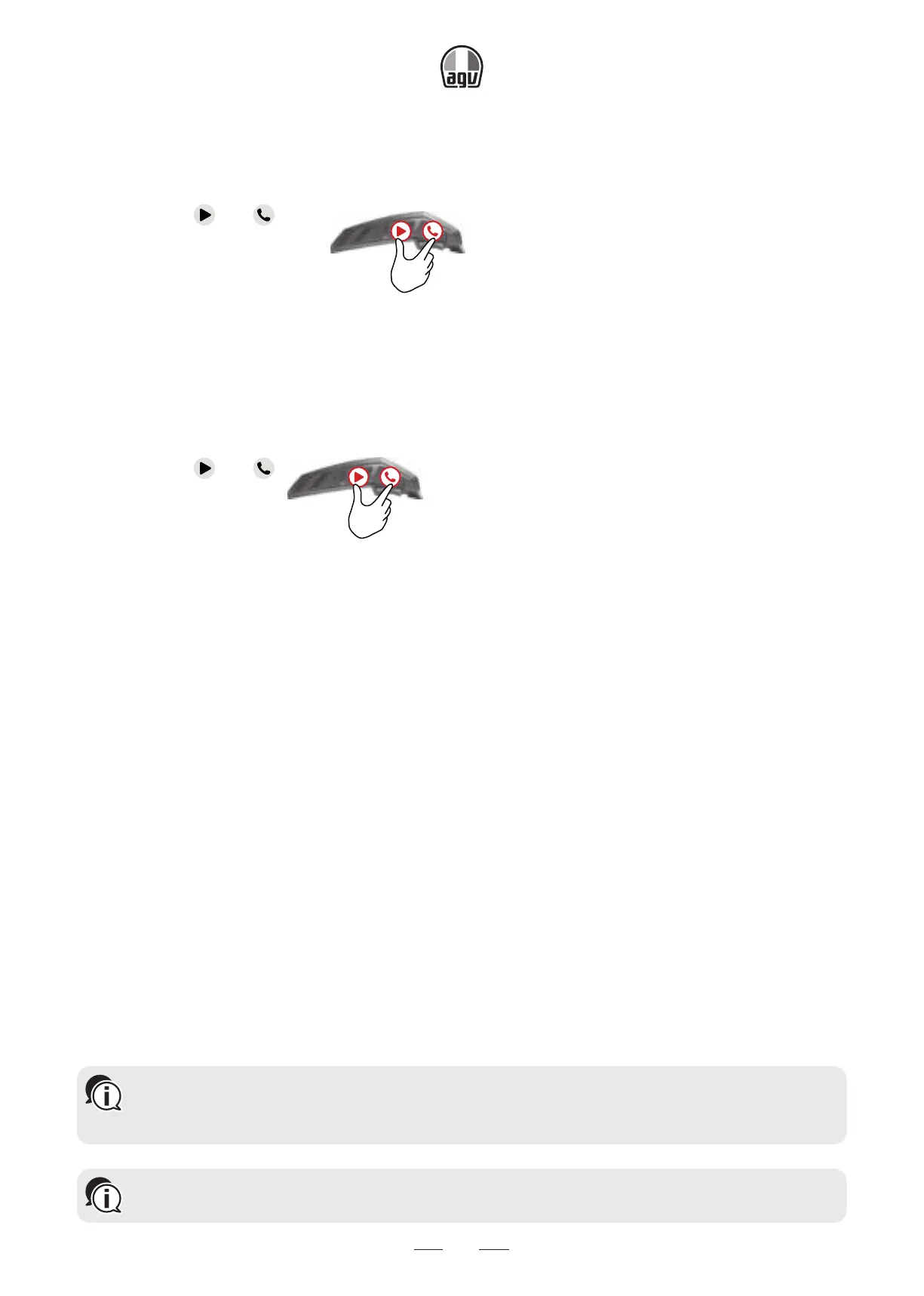
To switch your INSYDE on:
• Press both
and for 1”.
1”
→ The speakers plays an ascending tone and a voice message greets you.
The LED confirms your INSYDE is on (only with unit starting up in DMC mode):
• Normal and low battery: the LED flashes blue three times, then green.
• Charging: the LED flashes red and purple three times.
To switch your INSYDE off:
• Press both
and .
1”
→ The LED flashes red three times, confirming that you INSYDE is switching off. The speak-
ers plays a descending tone and a voice message, “Goodbye”.
2.4 USING YOUR INSYDE
You can operate the various features of you INSYDE in the following ways:
• Press a button or combination of buttons on the unit.
• Use the Cardo Connect App on your mobile device (once it is paired with the unit).
• Use automatic voice recognition (by saying a command, for example “Radio on”).
2.5 PAIR YOUR UNIT TO BLUETOOTH
®
DEVICES
Your INSYDE has two Bluetooth
®
channels for connection to Bluetooth
®
devices such as mobile
phones, GPS devices, and Bluetooth
®
music players with A2DP.
To connect your unit to a Bluetooth
®
device, you must first pair them. Once paired, they automat-
ically recognize each other whenever they are within range.
If you are pairing more than one device, Cardo recommends that you pair the mobile phone
to channel 1, and the additional device (such as GPS, music player or additional mobile
phone) to channel 2.
If you are pairing the unit to more than one mobile phone, the phone paired with channel 1
is the default phone for outgoing calls.


 To Next Page