8
To pair Bluetooth
®
channel 1 to a mobile phone:
1. Enable Bluetooth
®
on the mobile phone.
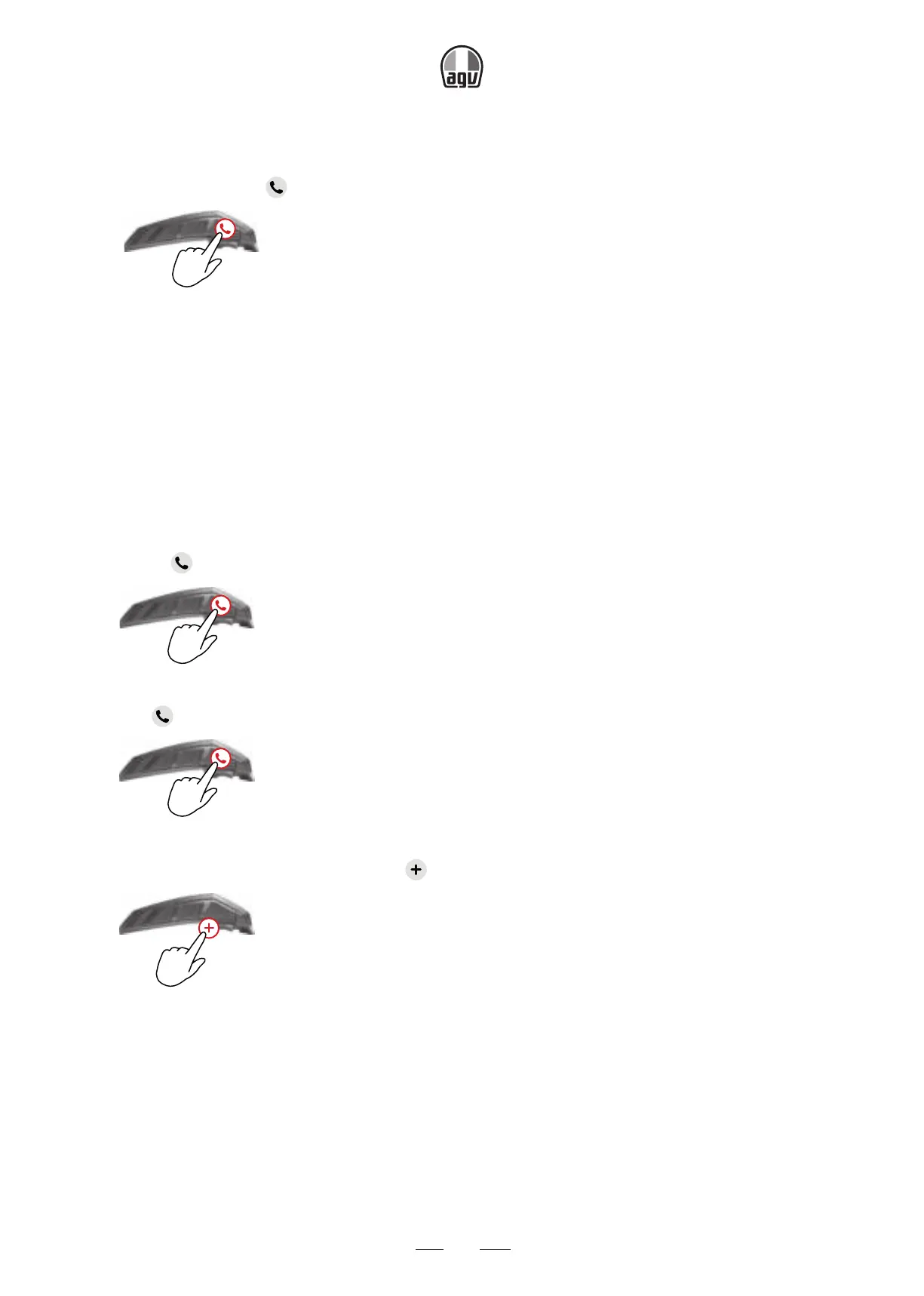
2. On the unit, press
for 5”.
5”
→ The LED flashes red and blue.
3. On your mobile phone, search for Bluetooth
®
devices.
4. When your INSYDE appears in the list of available devices, select it.
5. If prompted for a PIN or Passkey, enter 0000 (four zeros).
→ The phone confirms that pairing has succeeded and the LED flashes purple for 2”.
To pair Bluetooth
®
channel 2 to another Bluetooth
®
device:
1. Enable Bluetooth
®
on the device (for example, your mobile phone, GPS device, or music
player).
2. Press
for 5”.
5”
→ The LED flashes red and blue.
3. Tap
twice.
x2
→ The LED flashes red and green.
4. If you are pairing a GPS device, tap .
x1
→ The LED flashes slower.
5. On the device you are pairing, search for Bluetooth
®
devices.
6. When your INSYDE appears in the list of available devices, select it. If prompted for a PIN
or Passkey, enter 0000 (four zeros).
→ The device confirms that pairing has succeeded and the LED flashes purple for 2 sec-
onds.


 To Next Page